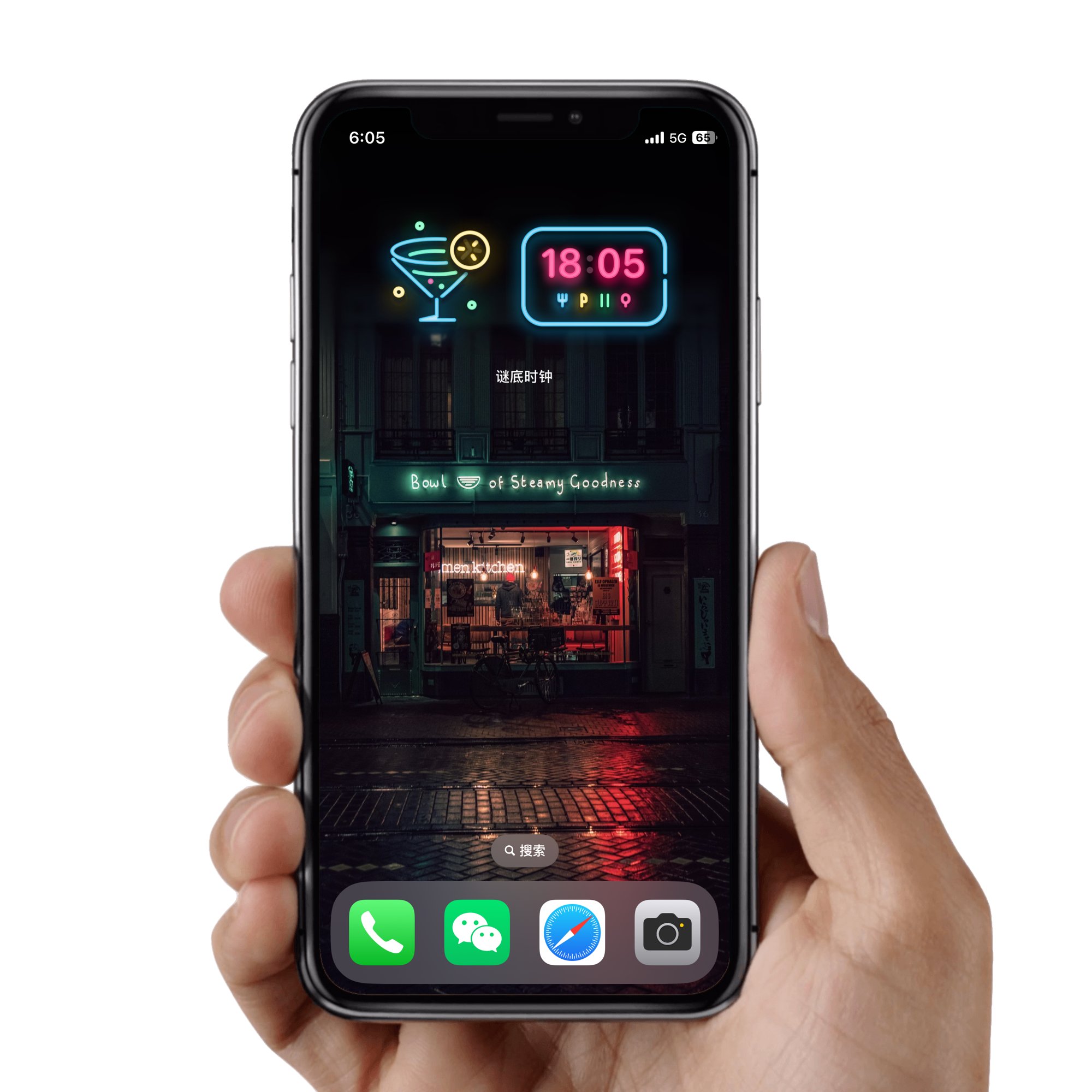
霓虹灯壁纸搭配谜底时钟
会写一点前端的奶爸。
1 月 18 日 星期四
霓虹灯壁纸搭配谜底时钟
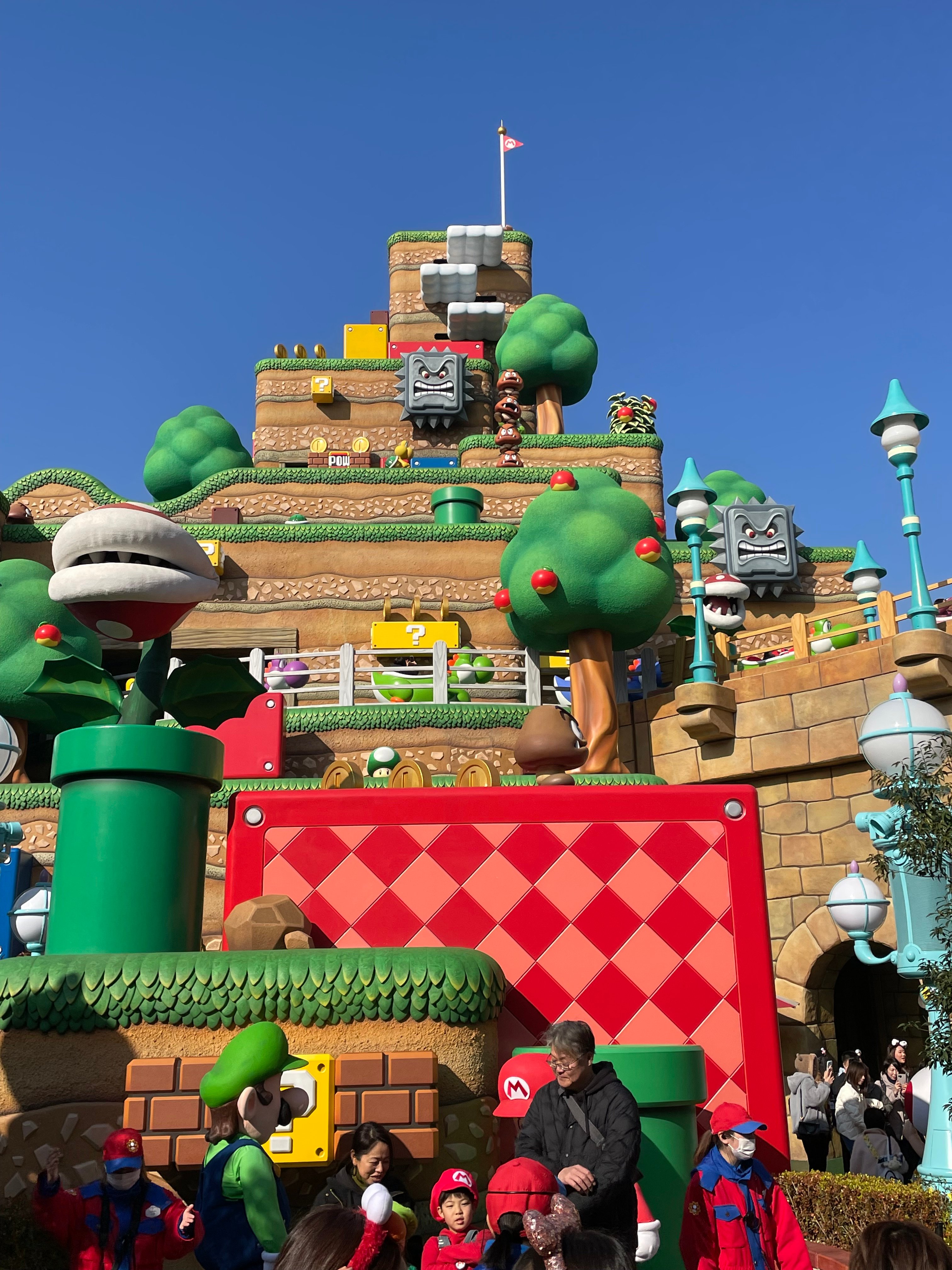
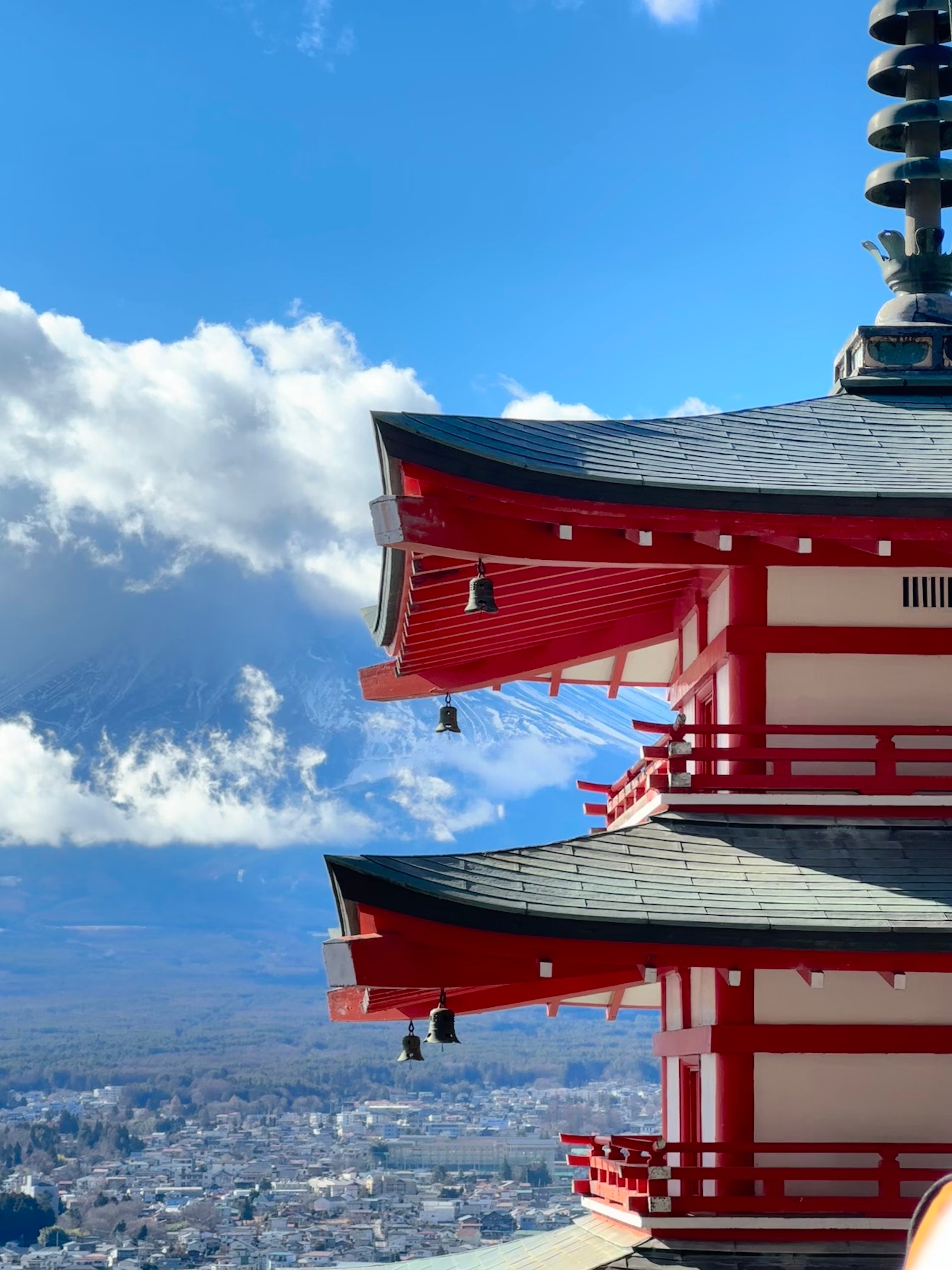
日本旅行 - 大阪:日本环球影城 - 京都:清水寺、稻荷神社 - 东京:富士山



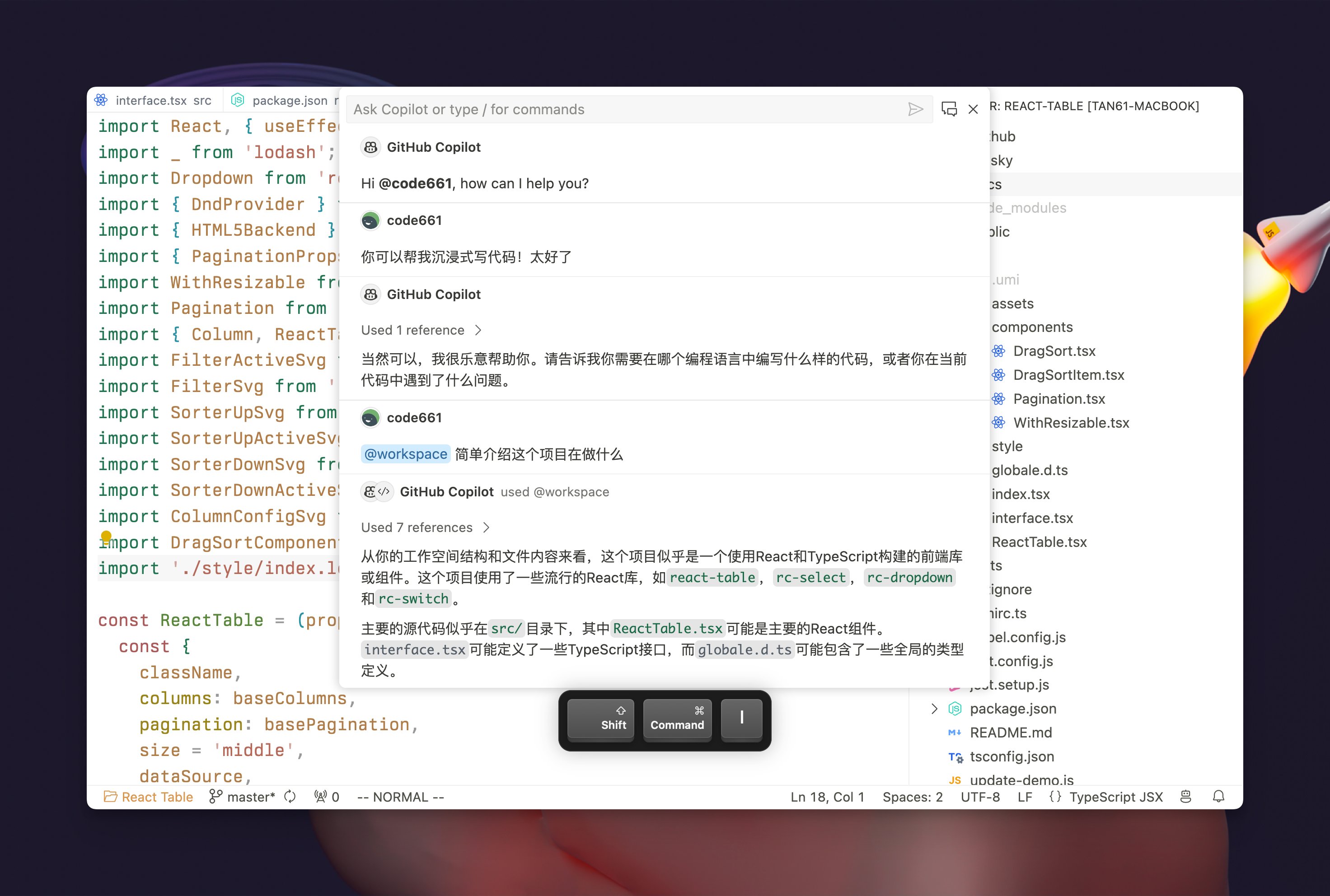
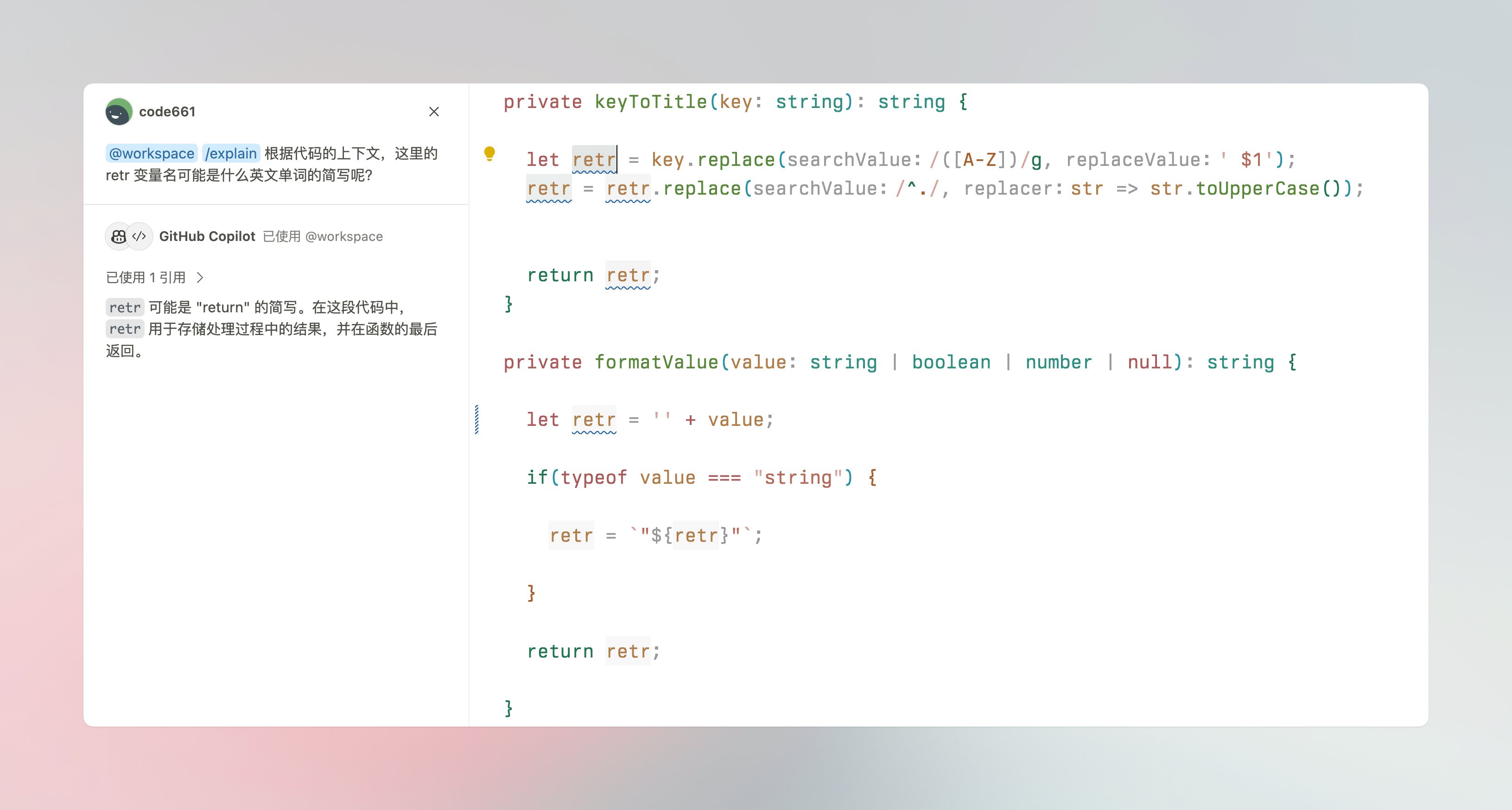
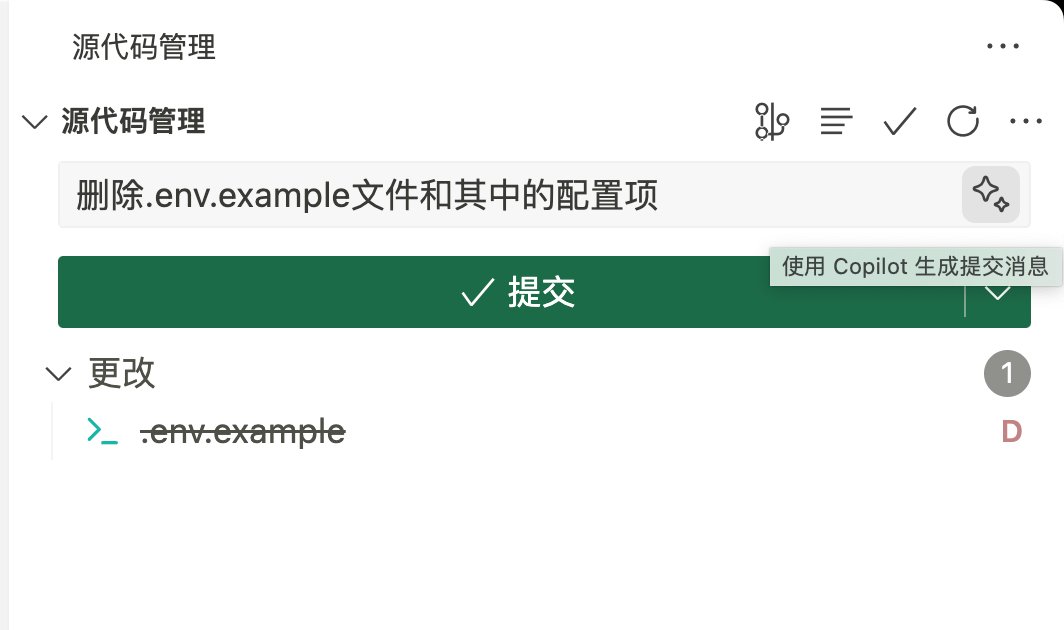
使用 cocopilot 拼车使用 GitHub Copilot GitHub Copilot 刚出那阵子免费试用过一段时间,当时的感觉很一般,一方面可能是客观的模型的问题,另一方面自己对如何使用 AI 也没有经验。 但是,最近高强度地使用 GPT-4 来辅助完成日常开发工作。完成了我对 GPT 的“信仰之跃”。于是就有了打算订阅 Copilot 的想法,但 $9.9/月 的价格偏贵就一直没下手。正巧看到 cocopilot 这个项目,和几个网友一起拼车价格直接打到 9.9RMB/月 我是否应该相信它的回答?答案应该是肯定的,因为反过来想,如果凡是它给出的答案你都选择进行二次确认,这对你是巨大的负担。你需要的是一次信仰之跃(Leap of faith),相信它就好 记录一下自己使用的感受: - 快捷键随时召唤 Copilot 出来问问题,而不用离开 VS Code。而且可以把选中的代码提交给上下文 - TS 类型问题直接用 Copilot 帮忙解决 - Coplilot 生成 Commit Message 参考链接: Copilot 结对编程指南:https://www.v2think.com/copilot-cheat-sheet 如何使用 github copilot 完成 50% 的日常工作:https://kaiyi.cool/blog/github-copilot
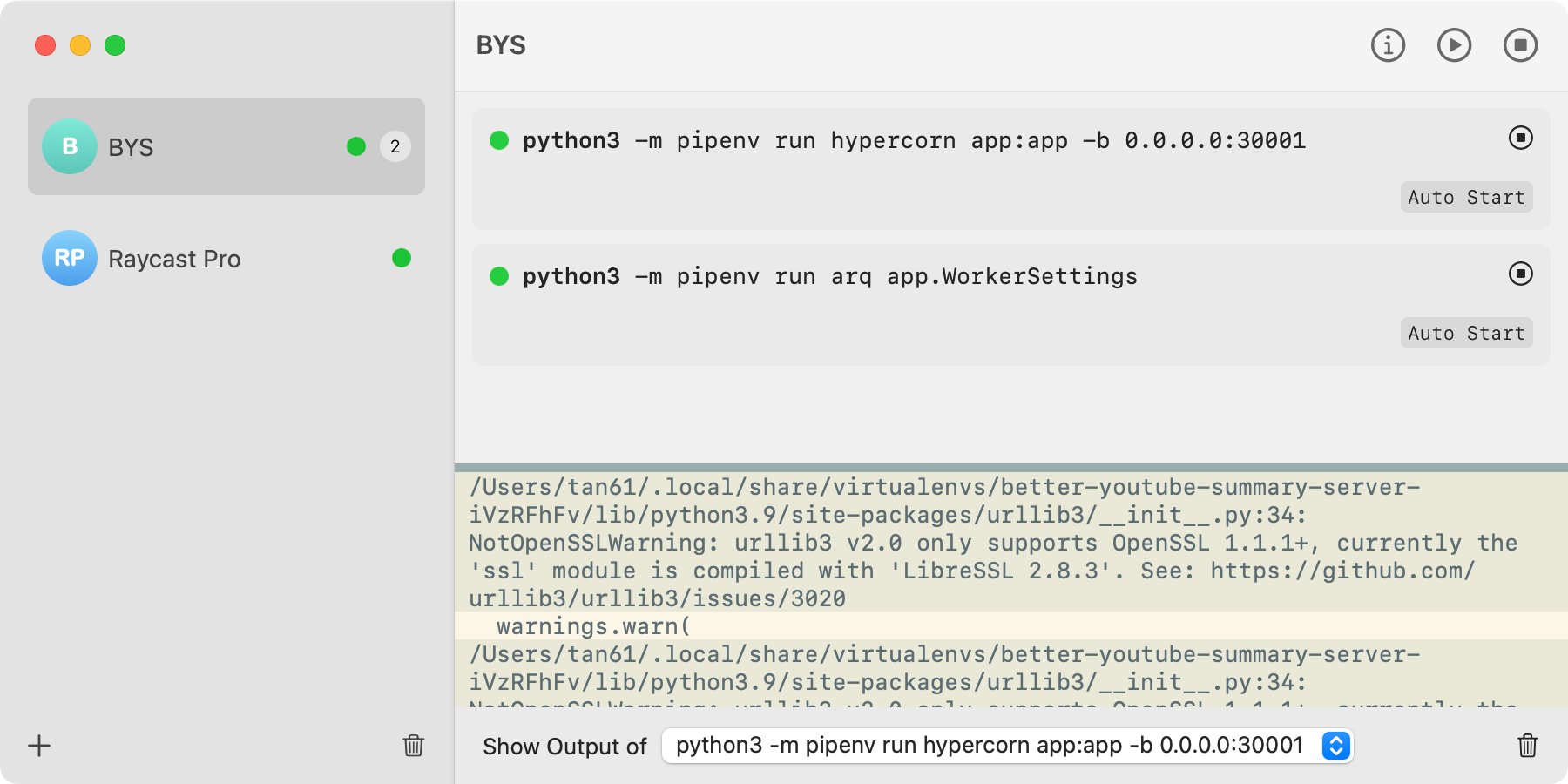
CodeLauncher 用来开机自动运行本地跑的服务
Xmind Embed const viewer = new XMindEmbedViewer({ el: '#container', region: 'cn' }) const fileUrl = new URL(decodeURI(new URL(window.location.href).searchParams.get('file'))) fetch(fileUrl.href).then(res => res.arrayBuffer()).then(file => viewer.load(file))
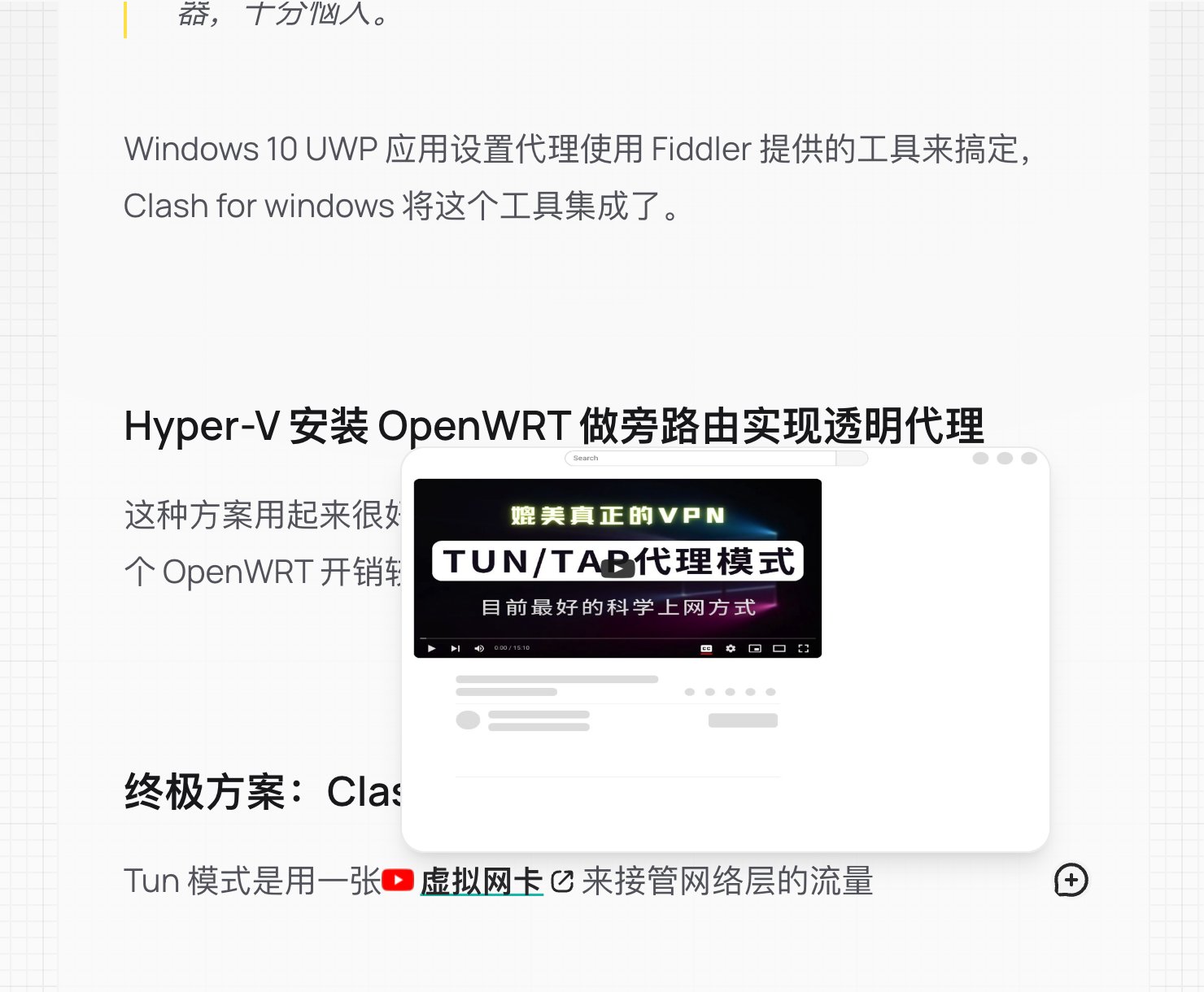
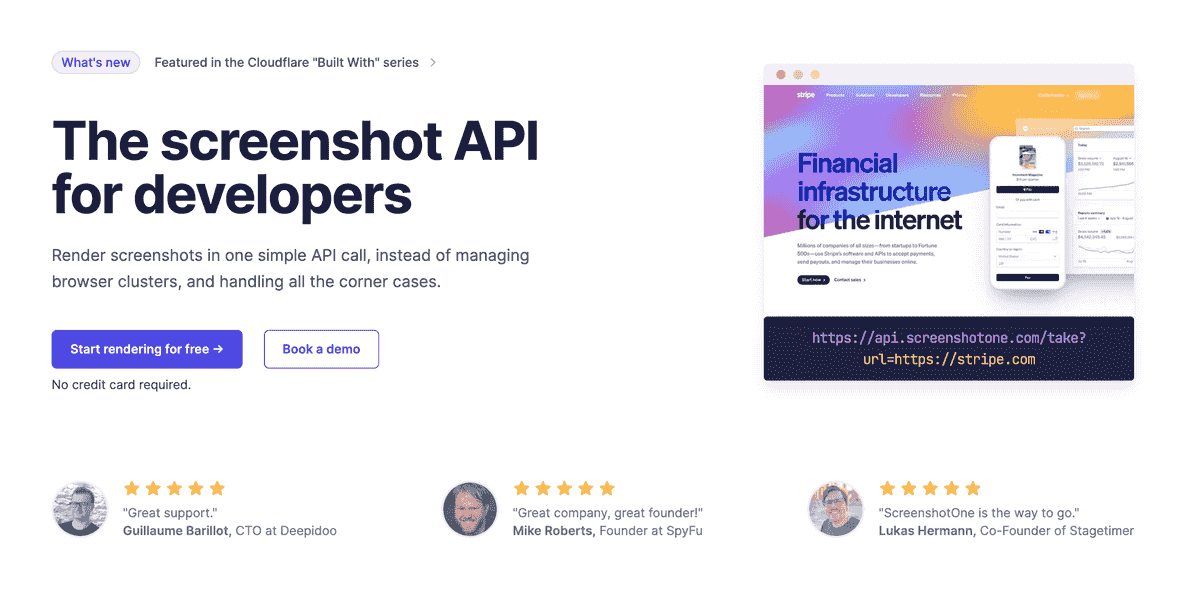
网页截图 API https://rdl.ink/render/https://tan61.dev/blog/fuck-the-gfw-on-windows/?format=png 个人博客有个预览链接的功能,使用的是收费的 API 服务 screenshotone.com,这个服务传入 URL 会返回一张这个 URL 的截图。
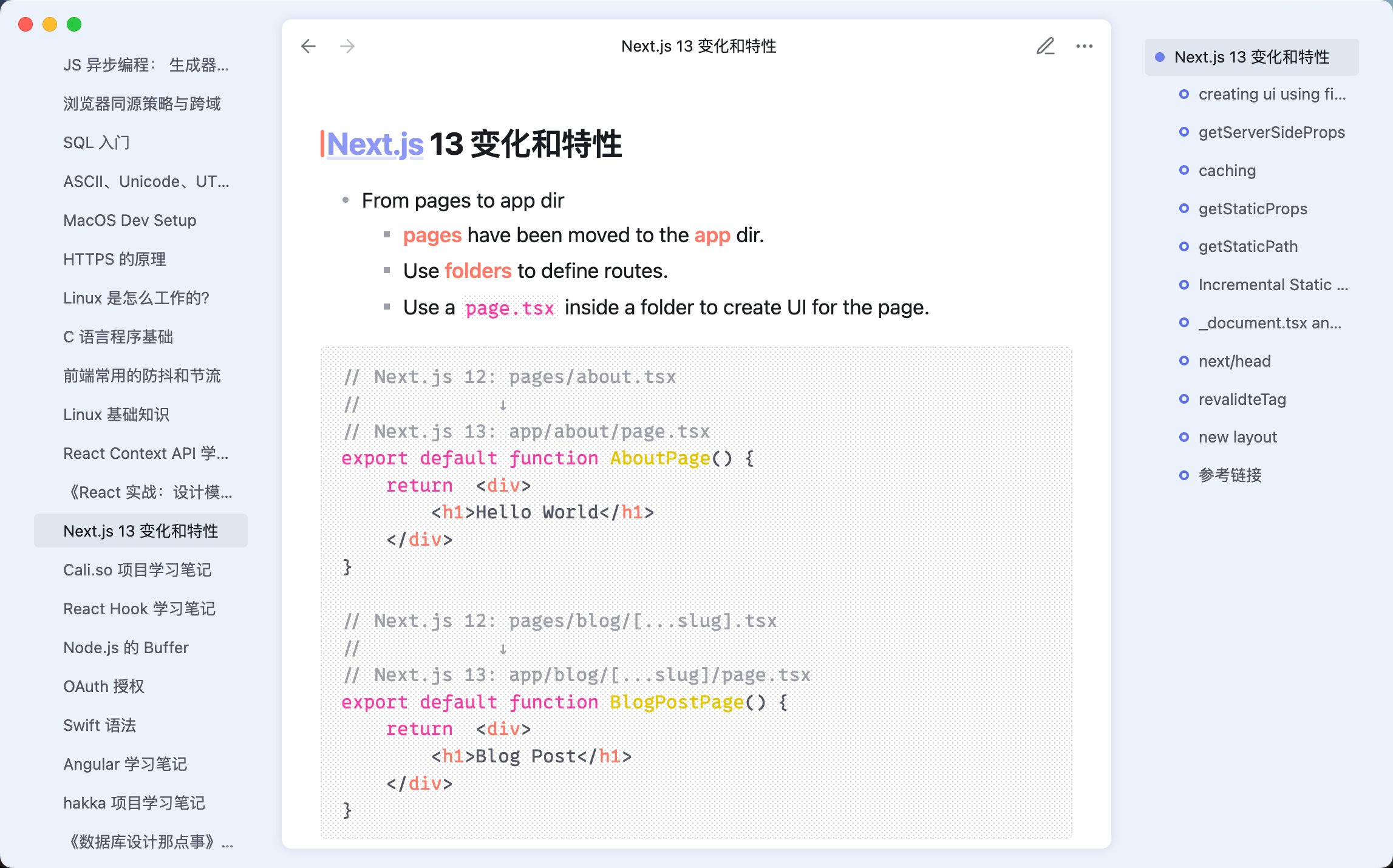
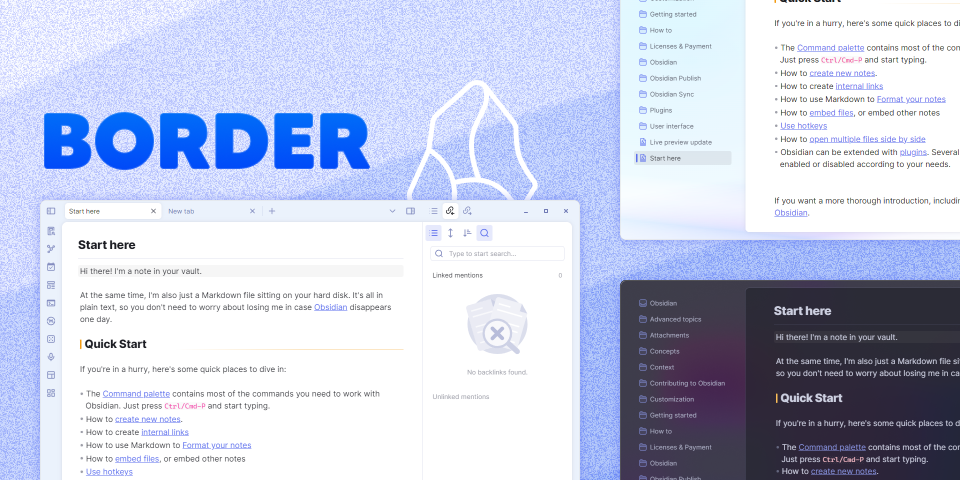
Obsidian 换主题
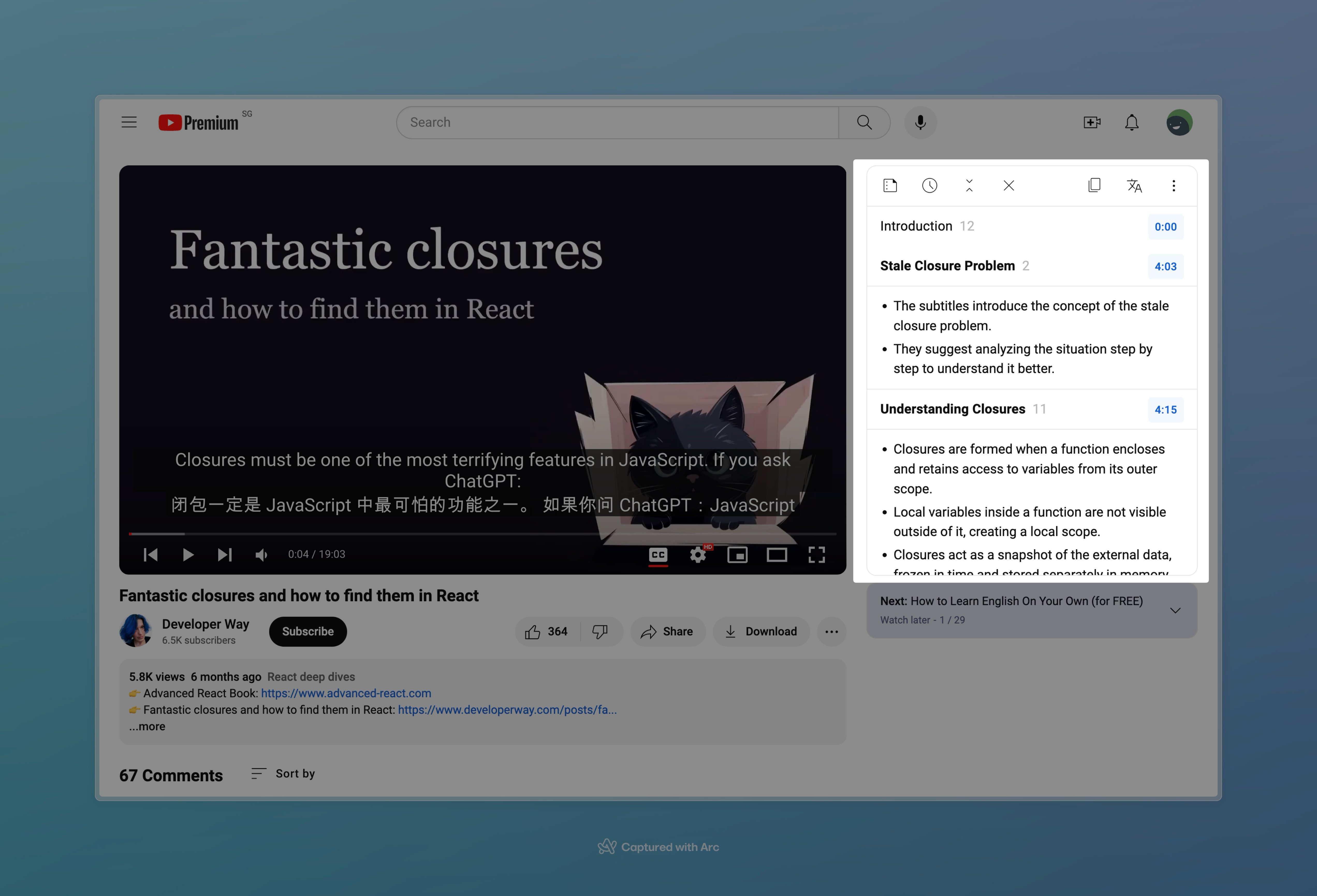
用 GPT 总结 Youtube 视频 推友开源的 GPT 项目
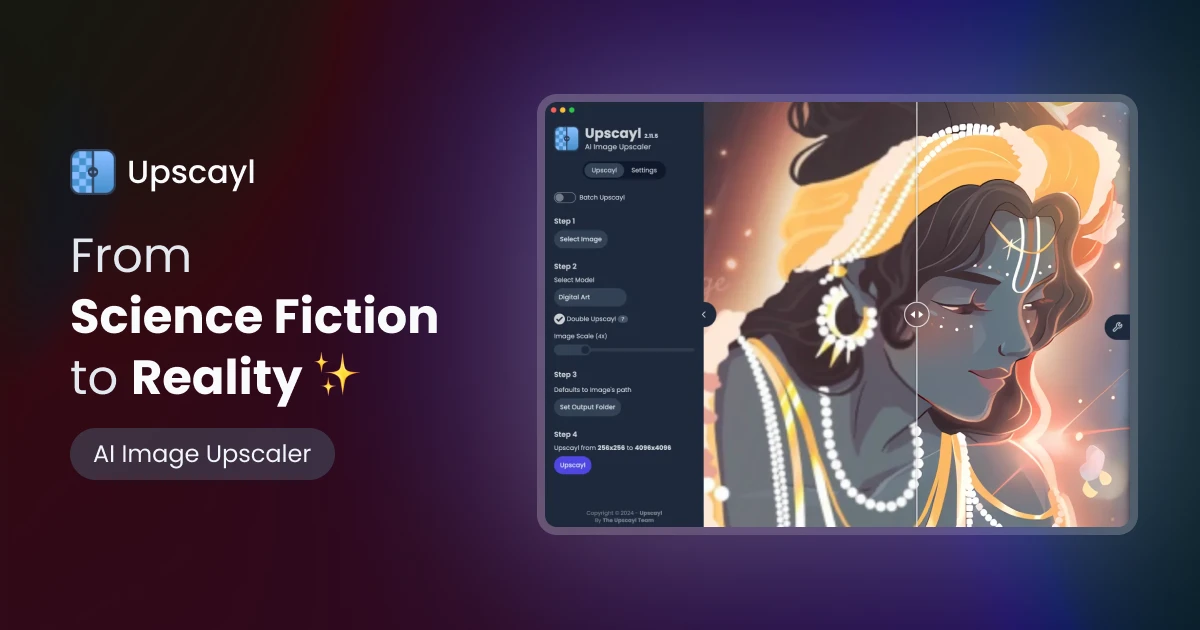
用 AI 提升图片分辨率 Upscayl
Upscayl - AI Image UpscalerThe #1 Free and Open Source AI Image Upscaler for Linux, MacOS and Windows. Upscayl uses the power of AI to upscale your images with the best quality possible.upscayl.org