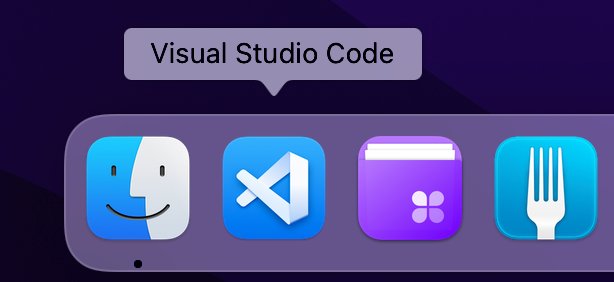
换了一枚好看的 VS Code 图标。图标作者 Gavin Nelson 是 GitHub 的设计师,个人主页上有很多他画的图标,每个都很精致。


会写一点前端的奶爸。
6 月 5 日 星期日
换了一枚好看的 VS Code 图标。图标作者 Gavin Nelson 是 GitHub 的设计师,个人主页上有很多他画的图标,每个都很精致。
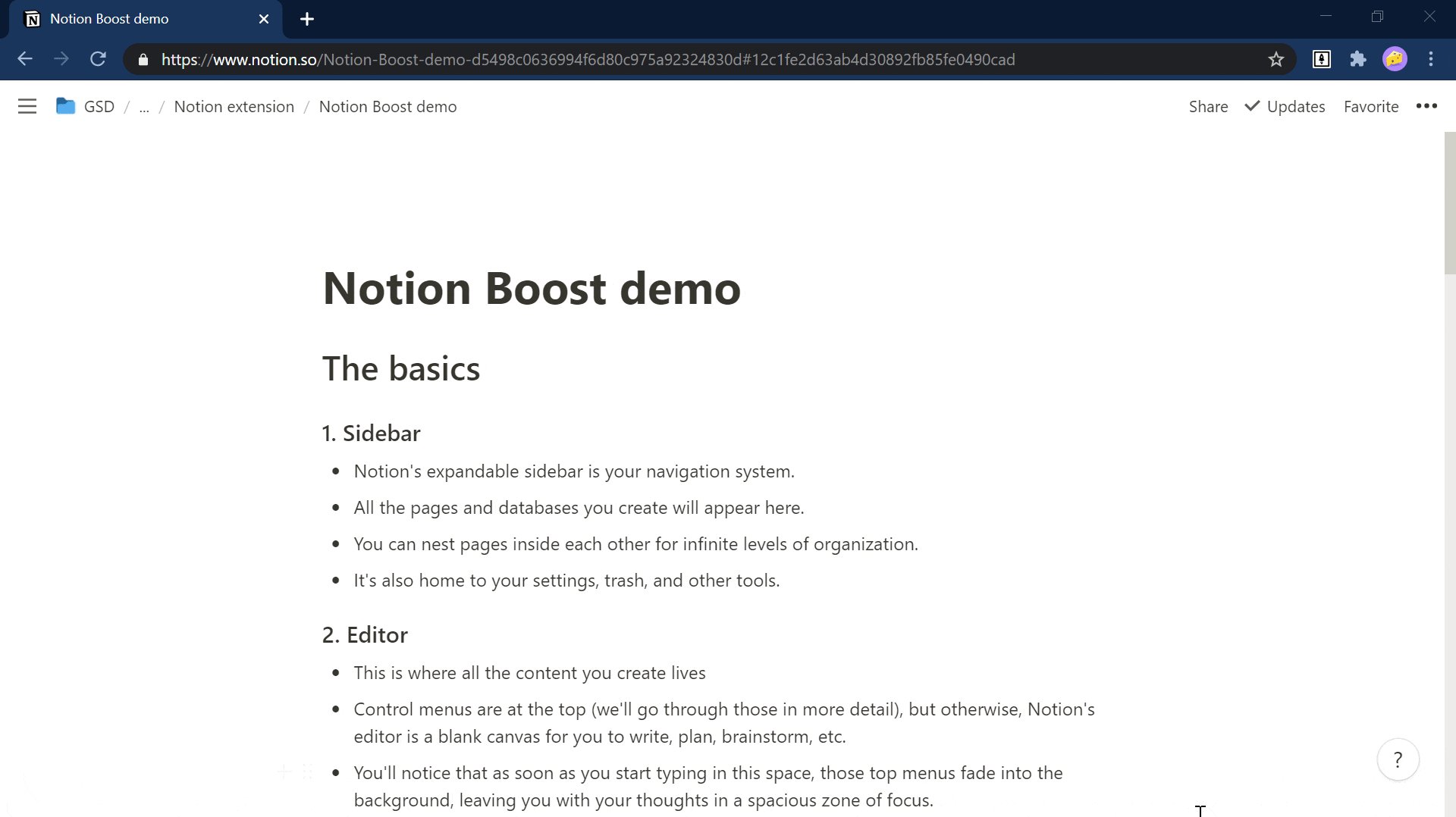
Notion Boost 这个插件功能挺多,可以去官网看 Feature List,我自己用得最多的是给 Notion 页面加一个侧边导航栏(Outline)。
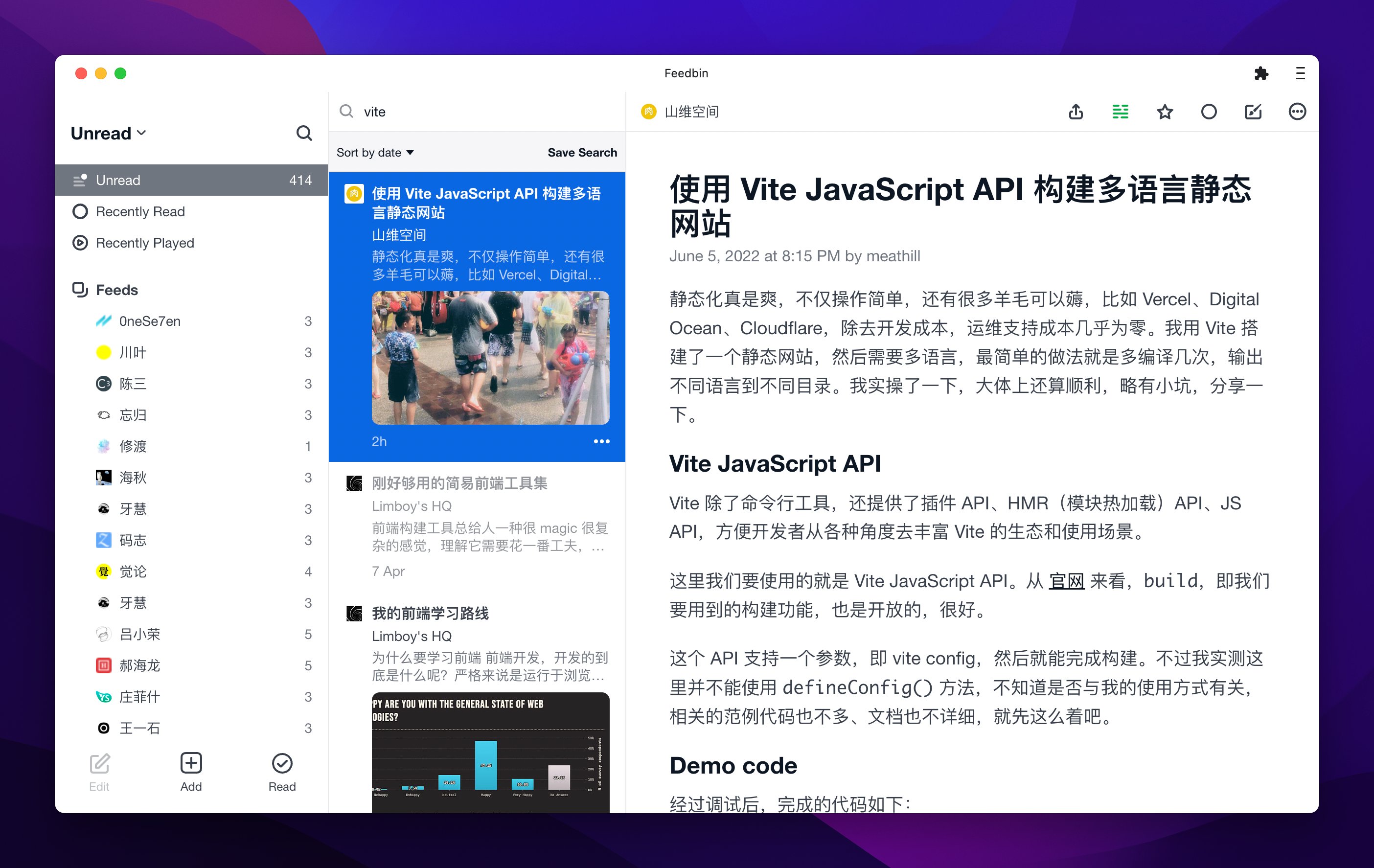
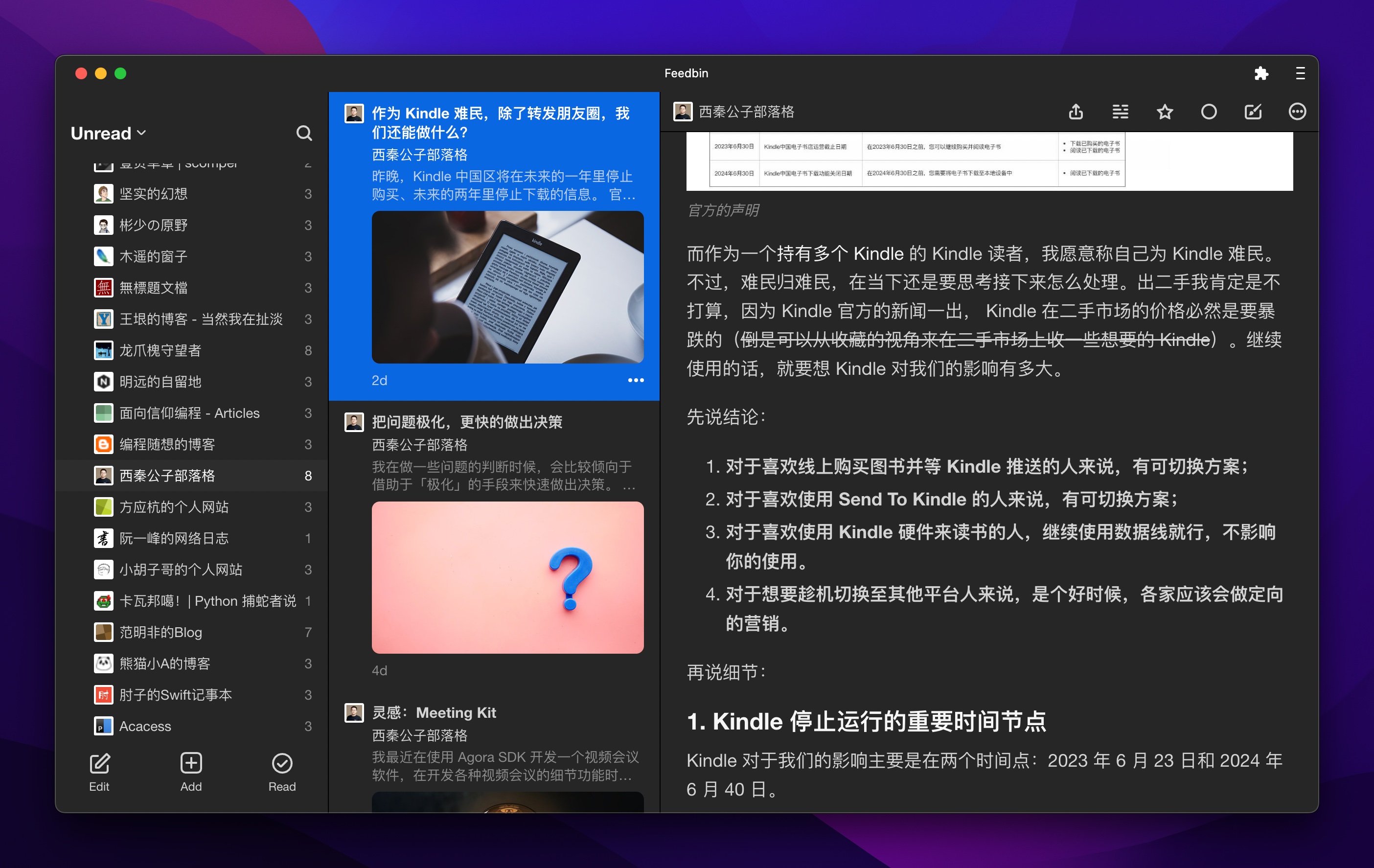
试用了一下 RSS 服务 Feedbin,界面设计简洁漂亮,是我用过的 RSS 服务里 Web 客户端界面的天花板了。但是……$5/月的订阅费有点贵,先试用 14 天玩玩看。目前主力用的还是 Inoreader(https://www.inoreader.com/),免费套餐已经够我用了。
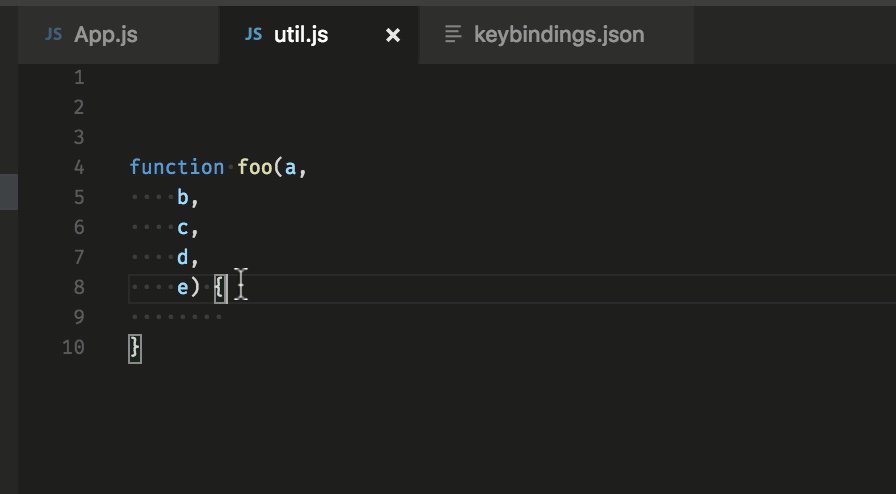
VS Code 的合并行(Join Lines)操作。
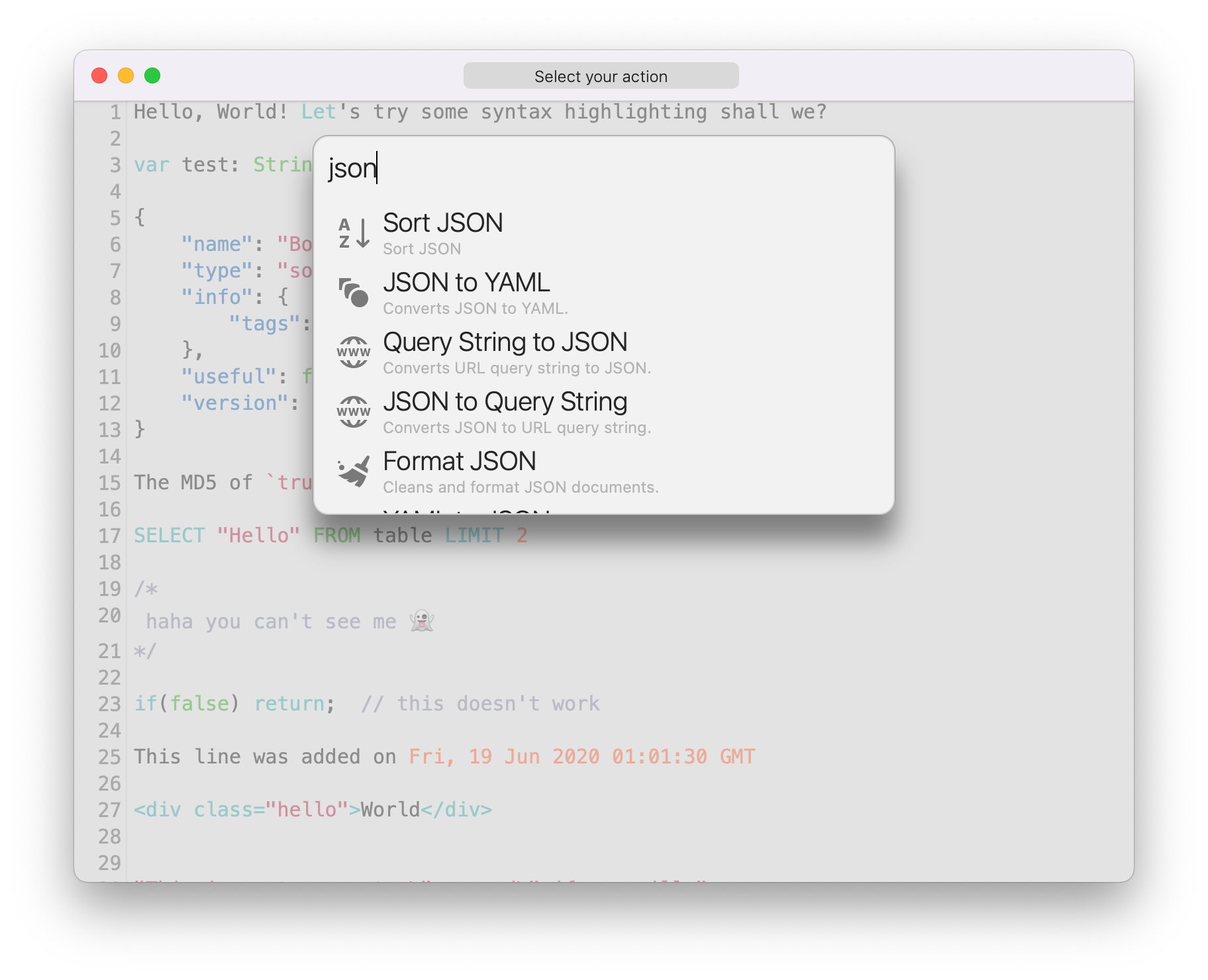
Boop,文字处理的瑞士军刀。是在《作为 App 开发者会先安装的 Mac App》这篇文章里看到的:https://nixzhu.dev/notes/mac-apps/

给网站(https://nobelium-tan661.vercel.app/)加了评论功能,用的是 Cusdis,几行代码就搞定了。咱们的网站几乎(肯定)没人会来评论,就是在看 Cusdis 代码之前先用一下,了解下基础功能。
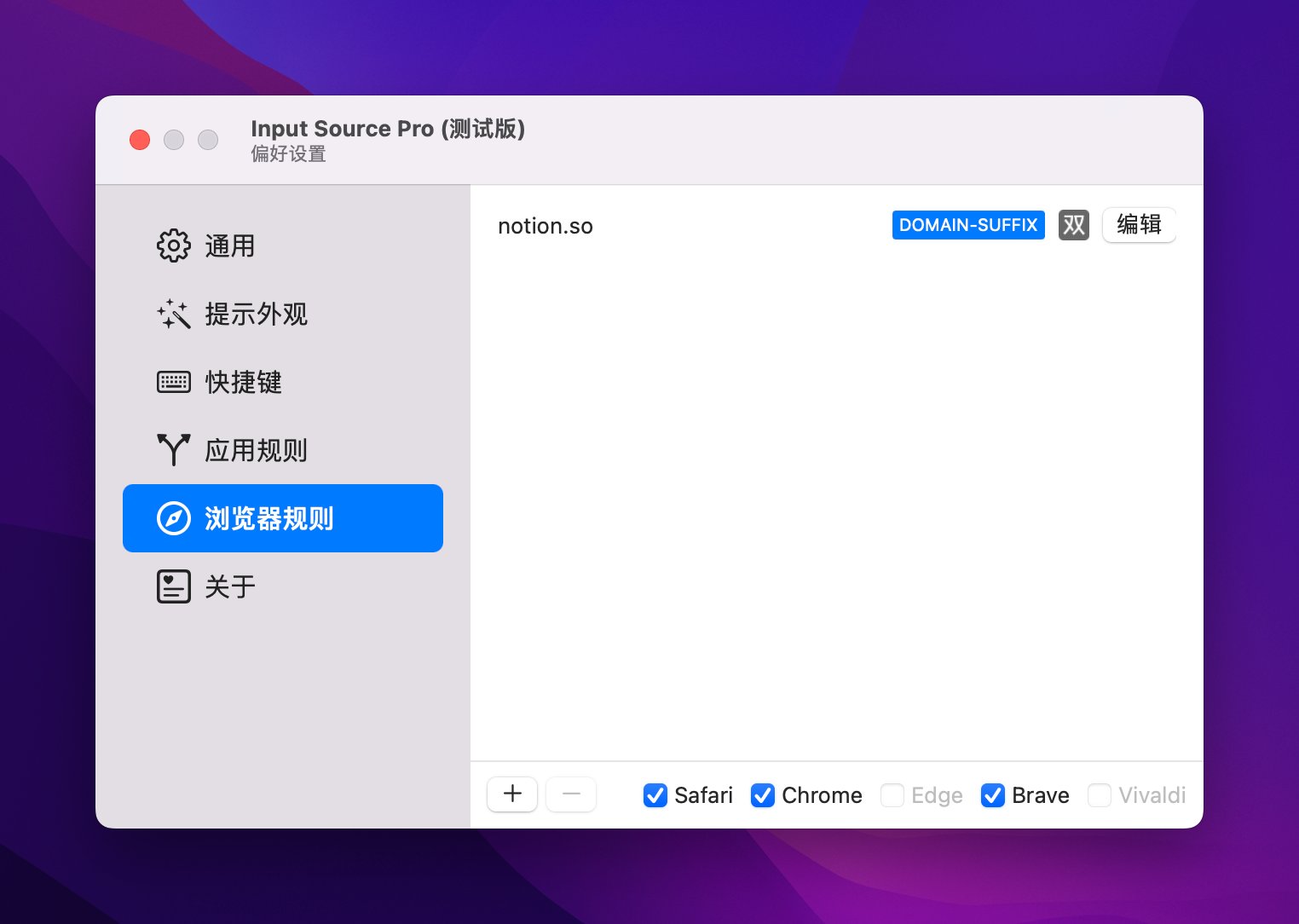
https://cusdis.com/cusdis.com前阵子在 Twitter 上给 Input Source Pro 的作者留言,希望能支持 Brave 浏览器,今天更新到 2.0.8-beta 后发现已经加上了,开心。
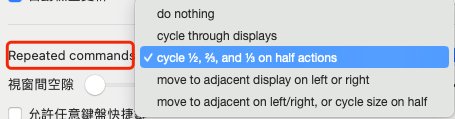
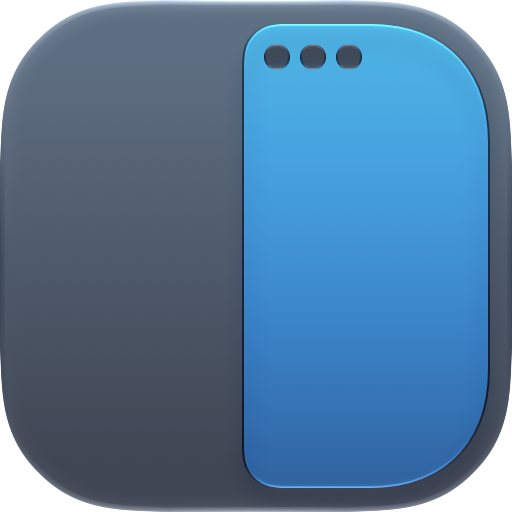
从 Spectacle 换到了 Rectangle。换的原因主要是前段时间看到很多关于它的资料,而且网上说 Spectacle 不再维护了。Rectangle 的 Repeated 重复命令也挺好用,跟 Spectacle 左右分屏的逻辑一样,左右切换时会在 1/2、2/3、1/3 尺寸之间循环。