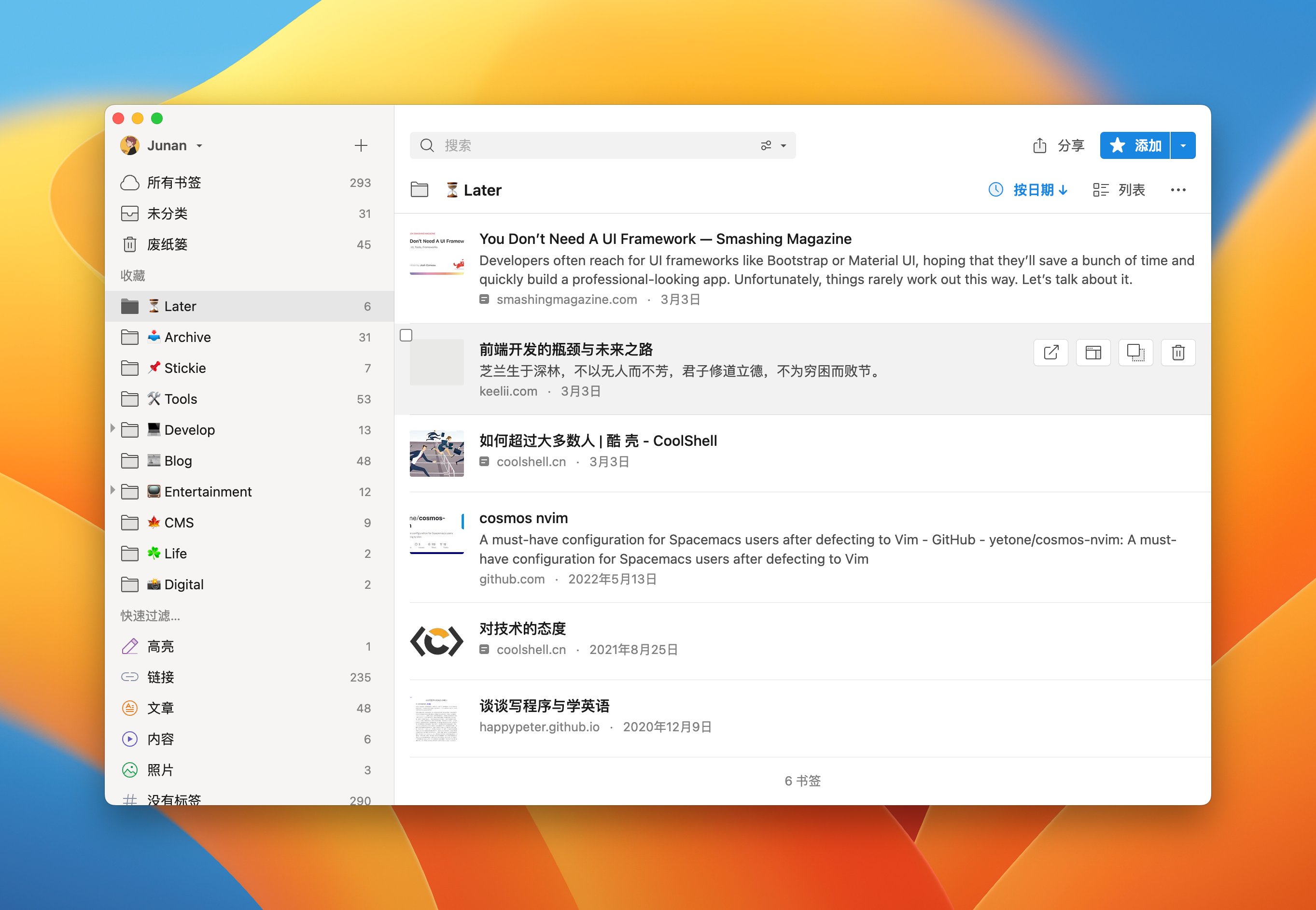
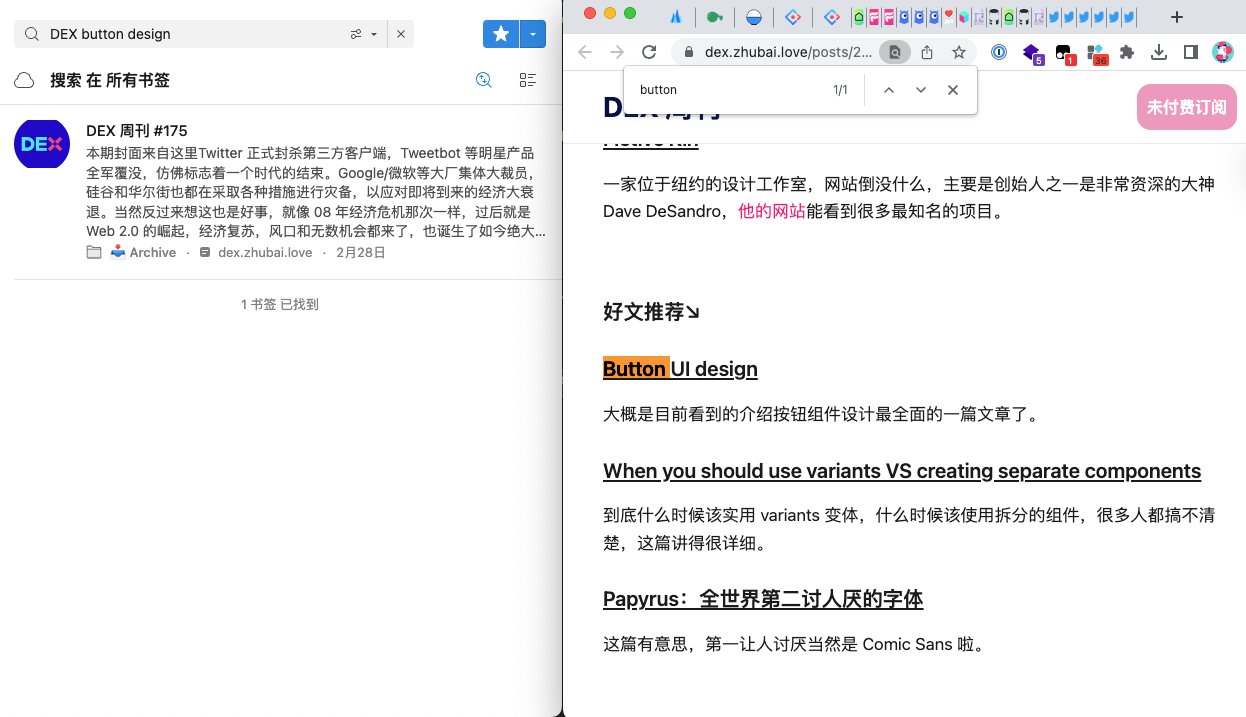
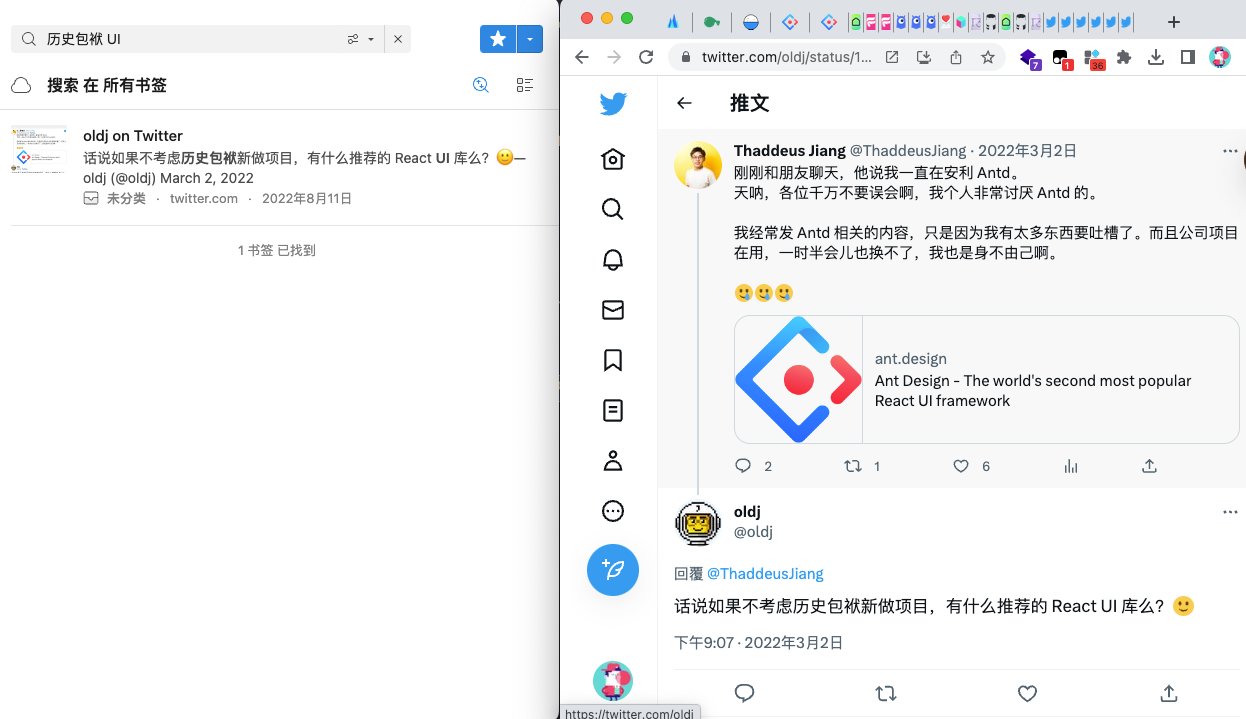
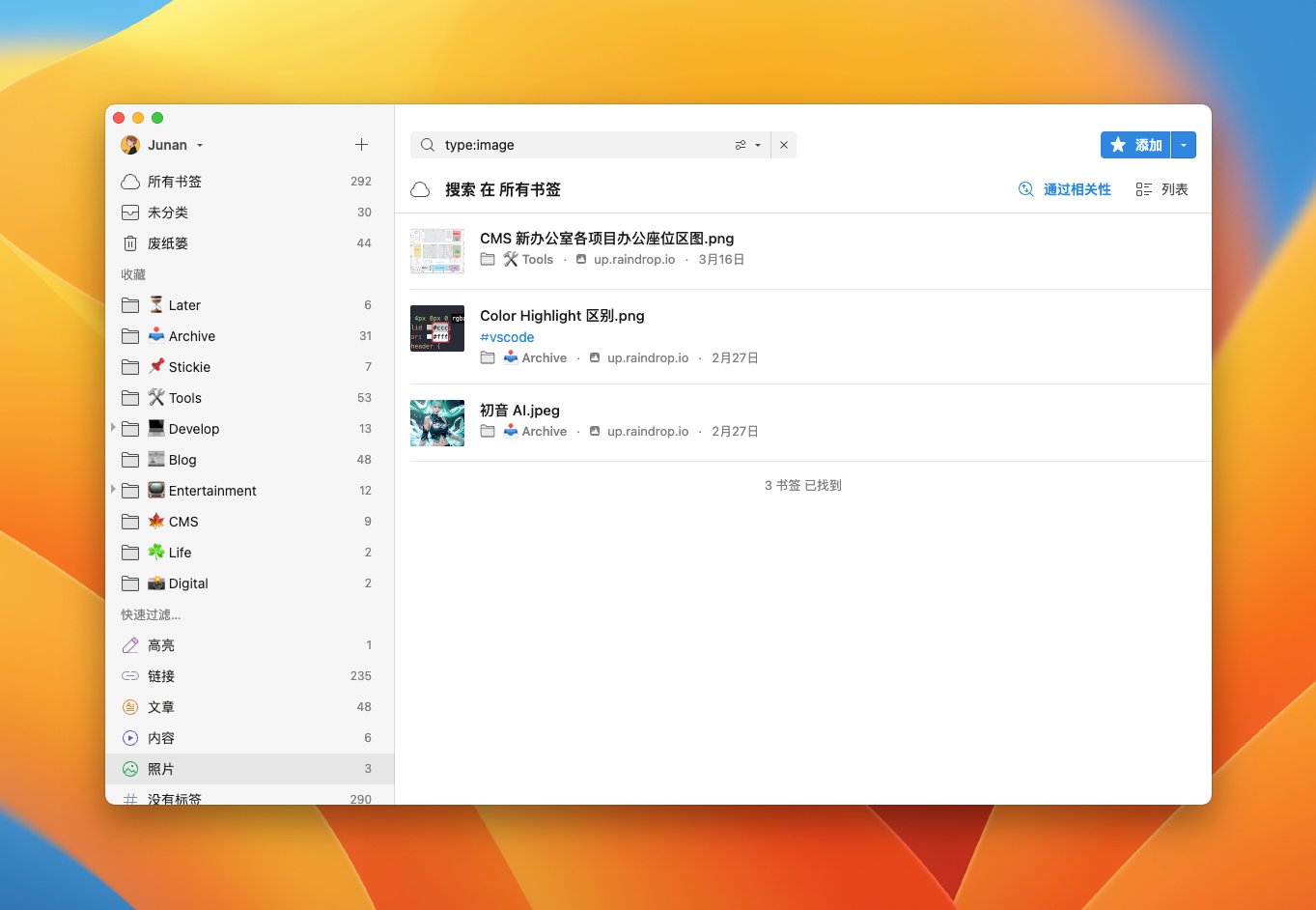
稍后读还是 Readwise Reader 或者源网站更好一点,Raindrop 我目前的定位更多的是收藏、导航和全文搜索(公网上的内容),图片里面的 Later 我命名也不太对,这里主要是别人的文章,感觉有时候需要时不时去警醒一下自己。 另外对于个人笔记来说,我的定位是“私网内容”,不知道为什么我感觉还是存储在本地文件系统会更好一点,一来比较粗糙还没准备好分享,二来有些偏个人流水账没什么营养。目前我的用法是使用 Drafts(macOS/iOS)快速输入,之后感觉有些值得存档的内容就存储到本地文件系统,后续查看、搜索使用 Obsidian (macOS/iOS),而后续的编辑则是使用 VSCode 编辑,缺点就是只能搜索纯文字。 Obsidian 搜索: - macOS: raycast plugin「obsidian」;obsidian plugin「Open vault in VsCode」 - iOS:obsidian.app Raindrop 全文搜索,使用下来暂时发现支持的功能: - 只支持纯文字搜索,图片里的文字不支持搜索 - 支持搜索的文字,可断词检索(就是普通的文字搜索) 我目前使用的场景是,例如我前天看完了 DEX 周刊,然后直接丢到我的 Archive 文件夹里面,它里面有介绍到某个工具的关键字,今天我想搜索回来直接就可以搜索回来了(Twitter 里面回复的内容好像也可以)。
期待 Raindrop 的全文搜索的实际使用效果,特别是中文模糊搜索能力。因为使用了各种稍后读的应用,全文搜索能力没有一个特别满意的。 另外,不建议把“稍后读”和“书签”这两个东西放入一个工具里面来做管理。之前也是这么做过很长一段时间(都放在 Pinboard 里面)。最近的思考是,书签和文章不适合放到一处进行管理,它们两者的处理的工作流完全不同。
X on XX on Xtwitter.com

Raindrop 订阅 最近订阅了 Raindrop $28/年,之前犹豫了很久一直想用它这个 Pro 版本,最终还是先决定付费使用一段时间,以后不满意再退了,反正一个月 ¥16 钱也还好(可以先订阅一个月玩玩)。 我把所有一时间不知道怎么分类的收藏都丢到 Archive 文件夹里面了,能快速区分的导航类网页才分类出来(如公司测试环境、生产环境的地址),有些功能型或者快消类网络图片也丢上去,以后想要用到的时候就直接全文搜索 😹
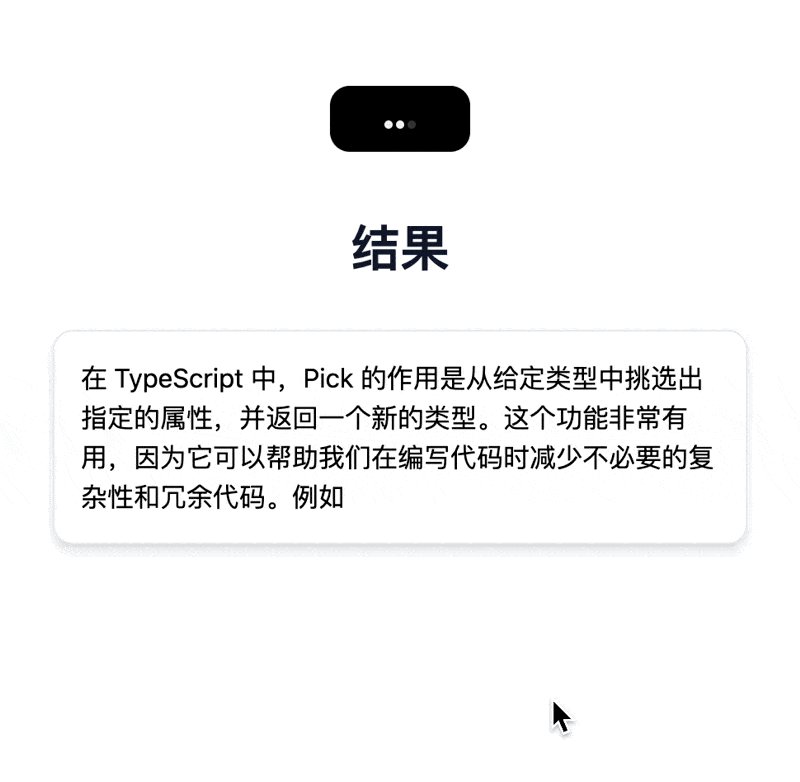
stream response (SSE) 最近使用了比较多的第三方 ChatGPT,这种文字流式输出的效果是必备的。在阅读 OpenGPT 这个项目的代码时,了解到具体的实现方式,这种方案叫做 SSE。 核心思路是接口返回一个“可读流”,用 JavaScript 不断读取流中的文本再输出到页面上。
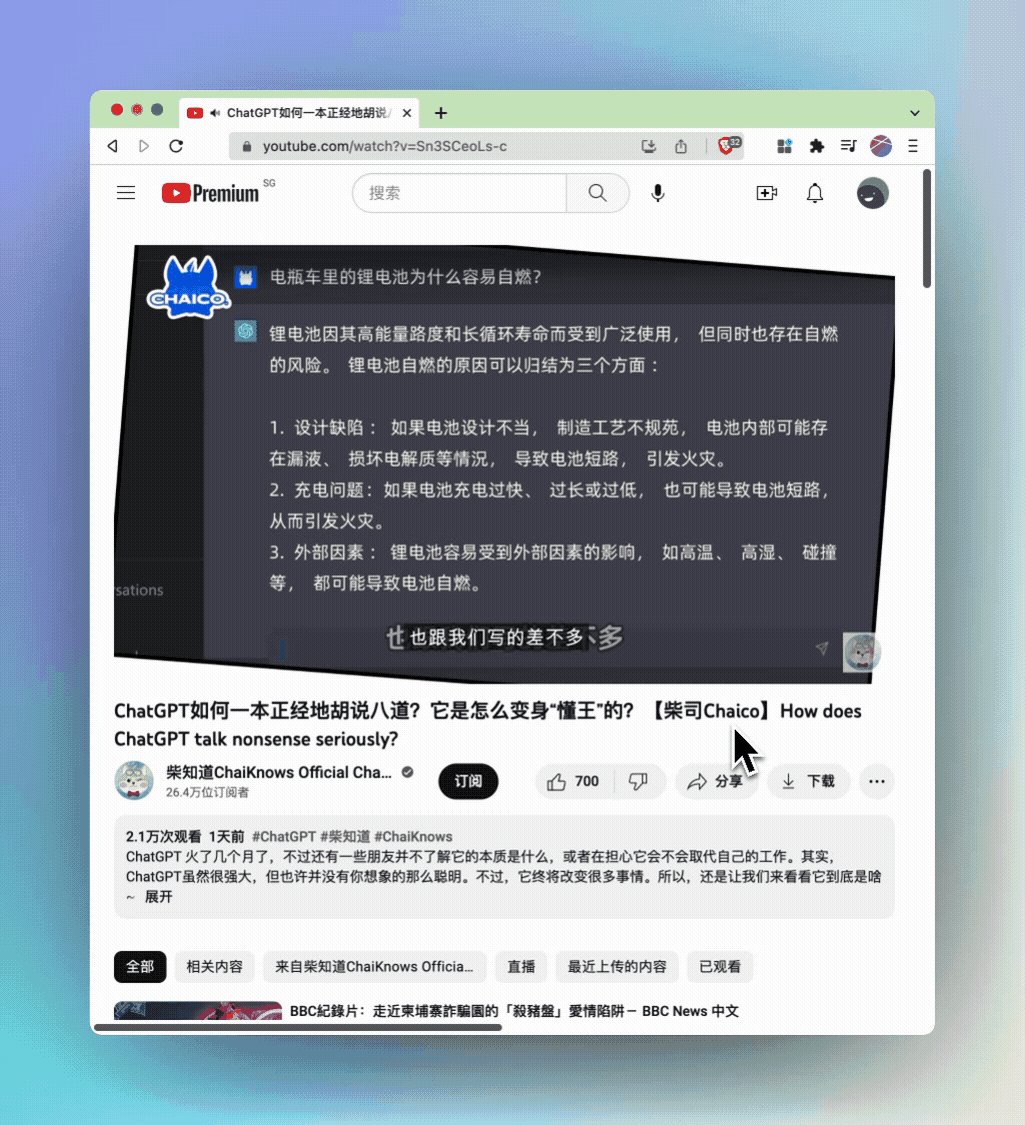
OpenGPT - Create ChatGpt Application in seconds | OpenGPTUse a wide range of ChatGPT applications or create your own in seconds.open-gpt.app截取 Youtube 的当前画面保存为图片
Screenshot YouTube Video - Chrome Web StoreQuickly extract video frames from YouTube and OK.ru and save to JPG images with just one click.chrome.google.com
在 VSCode 中使用 ChatGPT
ChatGPT [deprecated] - Visual Studio MarketplaceExtension for Visual Studio Code - Unofficial VS Code - ChatGPT integrationmarketplace.visualstudio.com
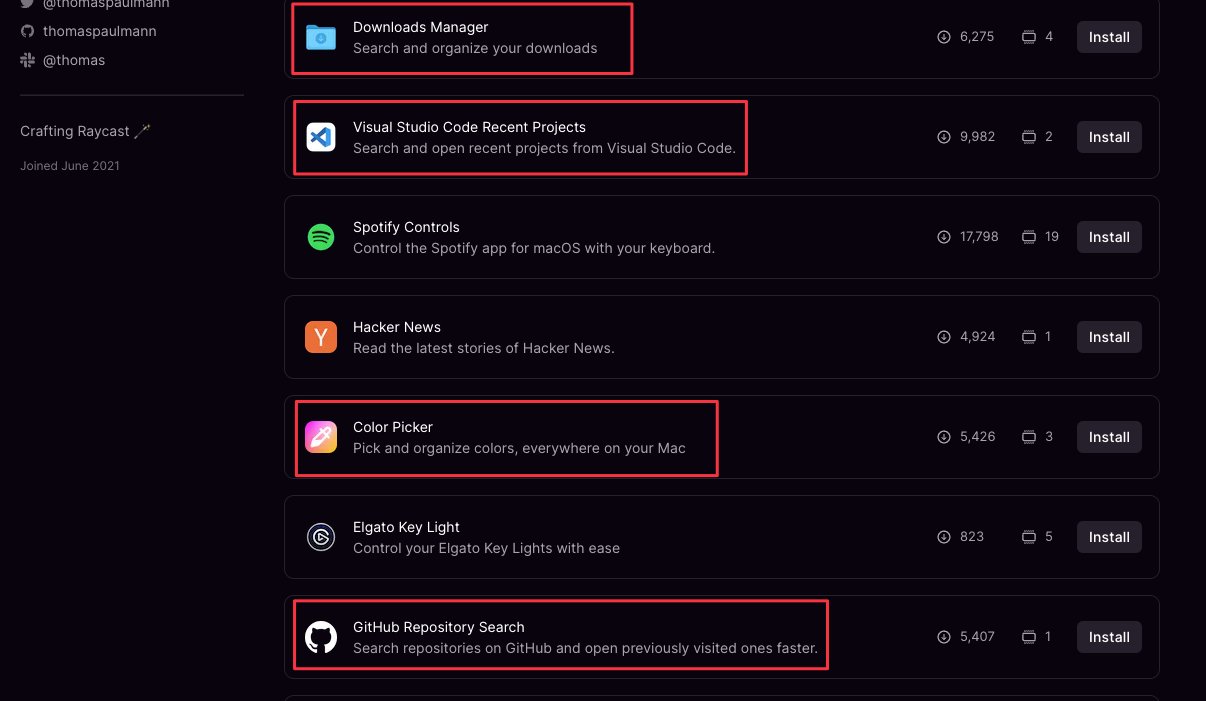
新安装的 Raycast 插件 最近发现之前陆续使用的插件都是同一个作者开发 🤣
https://www.raycast.com/thomasraycast.com在 Bob 中使用 ChatGPT 翻译 AI 的翻译效果真的很棒!
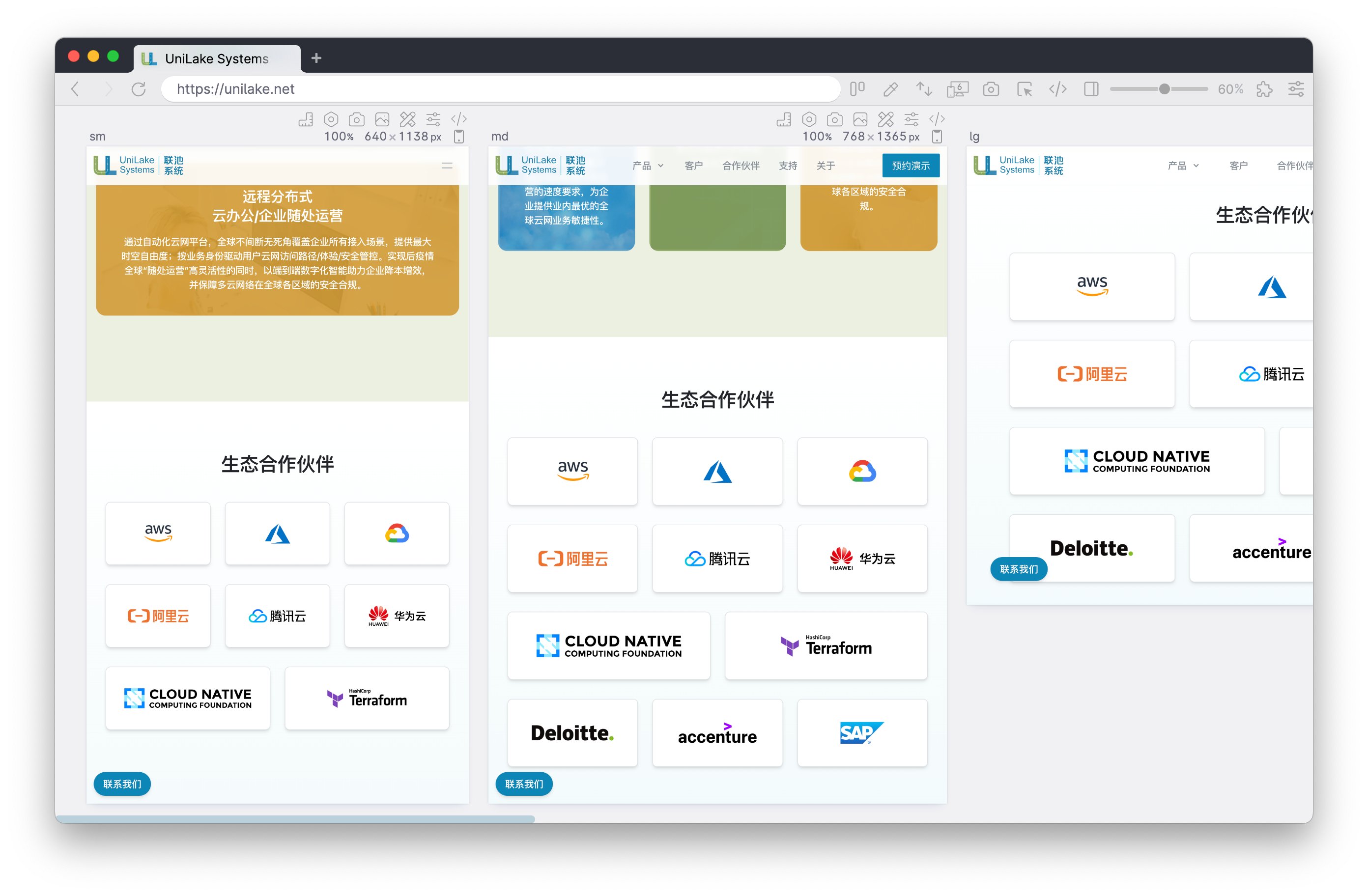
试用 Polypane.app 覆盖惊叹于各种贴心的小功能
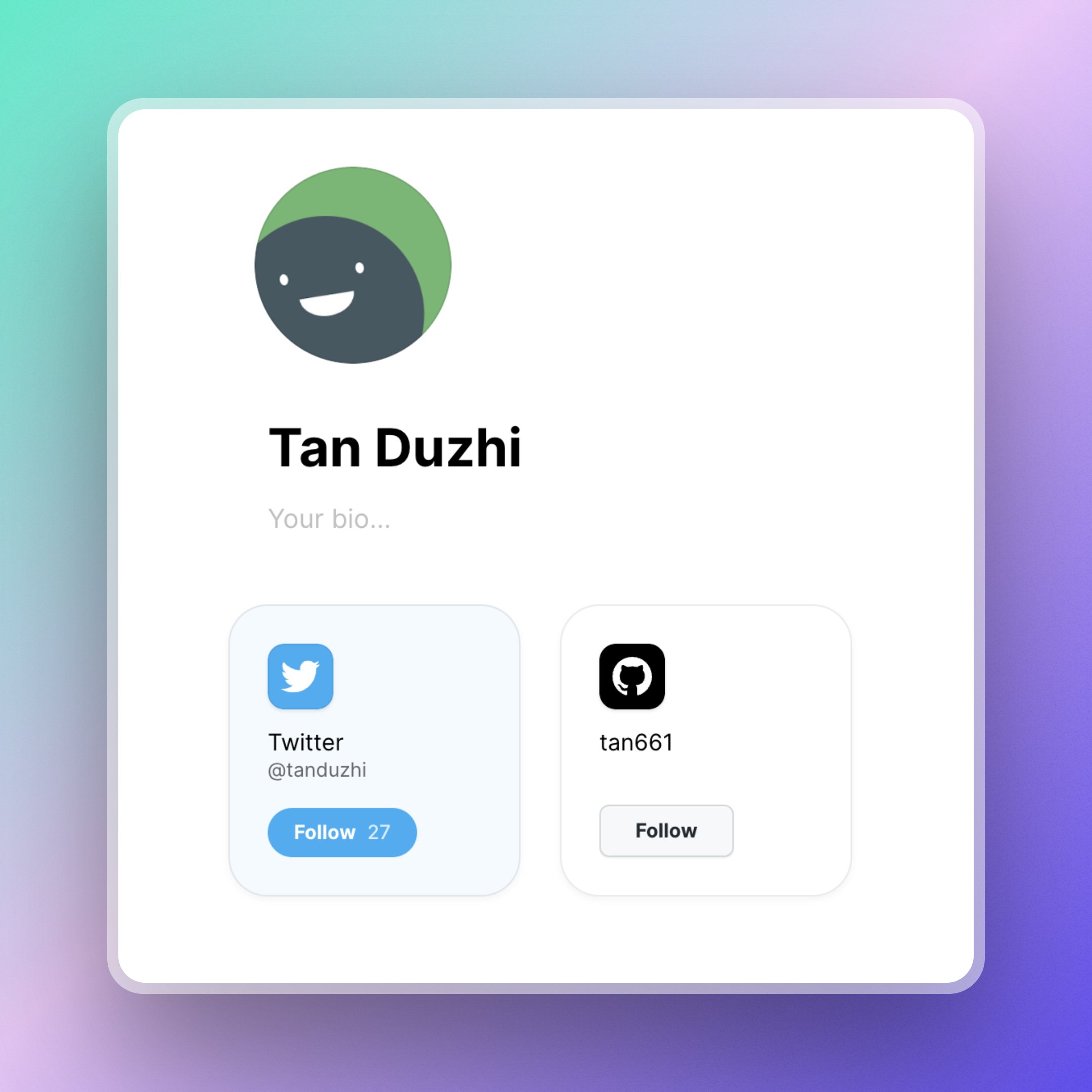
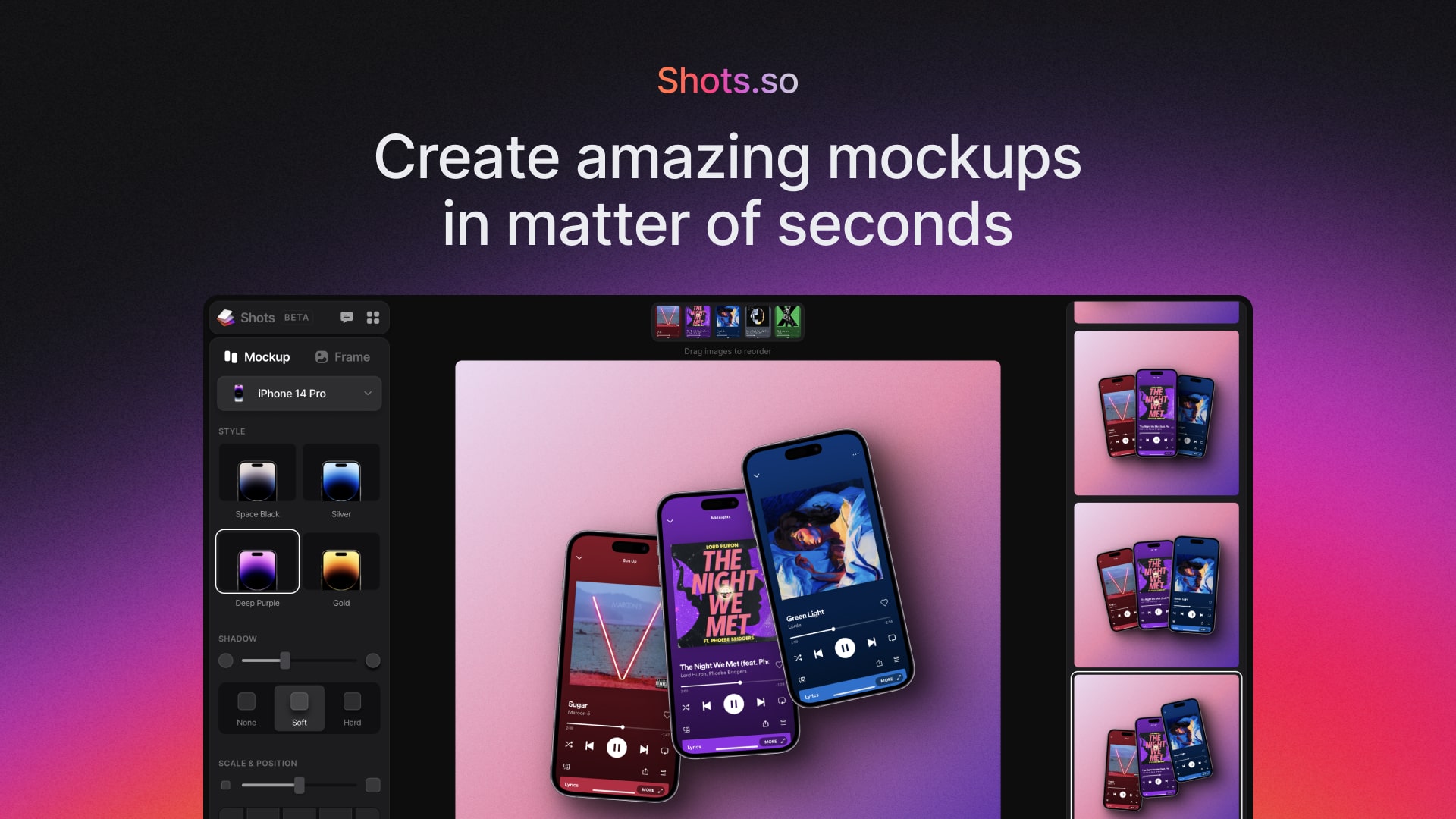
Shots - Create Amazing Mockups 又又又一款截图套壳工具。质量高还免费,为爱发电?不,因为还在 Beta 阶段
Create Amazing MockupsCreate Amazing Mockupsshots.so
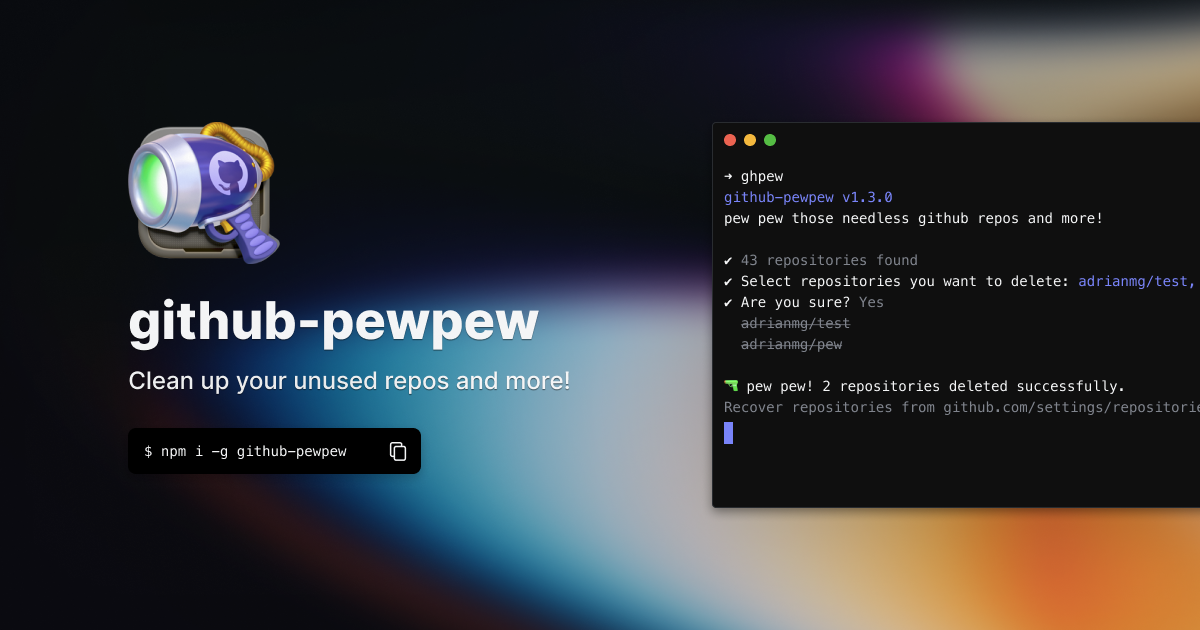
Github PewPew 🔫:批量删除 Github 仓库 可爱的图标,还有可爱的拟音名字 pew pew ~
github-pewpew: pew pew needless GitHub repos and more!Clean up your unused repos and more from your terminal. Created by Adrián Mato.adrianmato.com
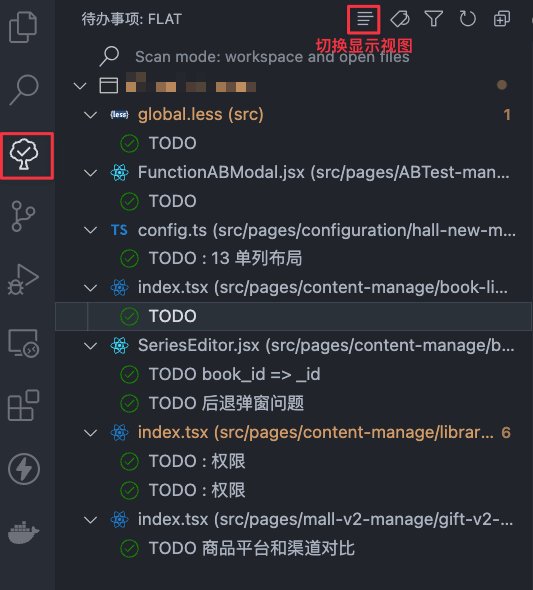
TODO Tree 侧边栏显示 TODO 列表,标记未完成或者遗漏的需求
TODO Highlight - Visual Studio MarketplaceExtension for Visual Studio Code - highlight TODOs, FIXMEs, and any keywords, annotations...marketplace.visualstudio.com
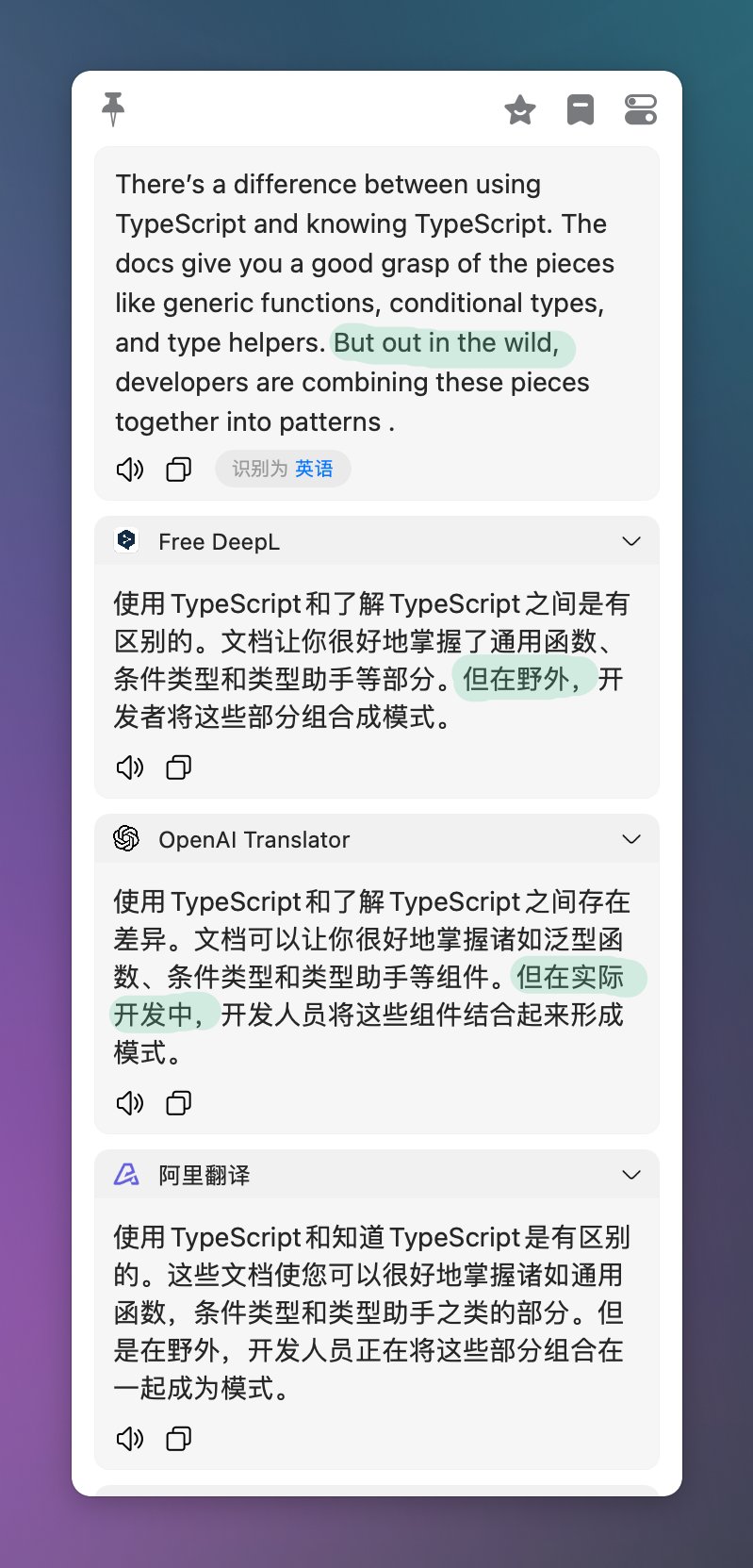
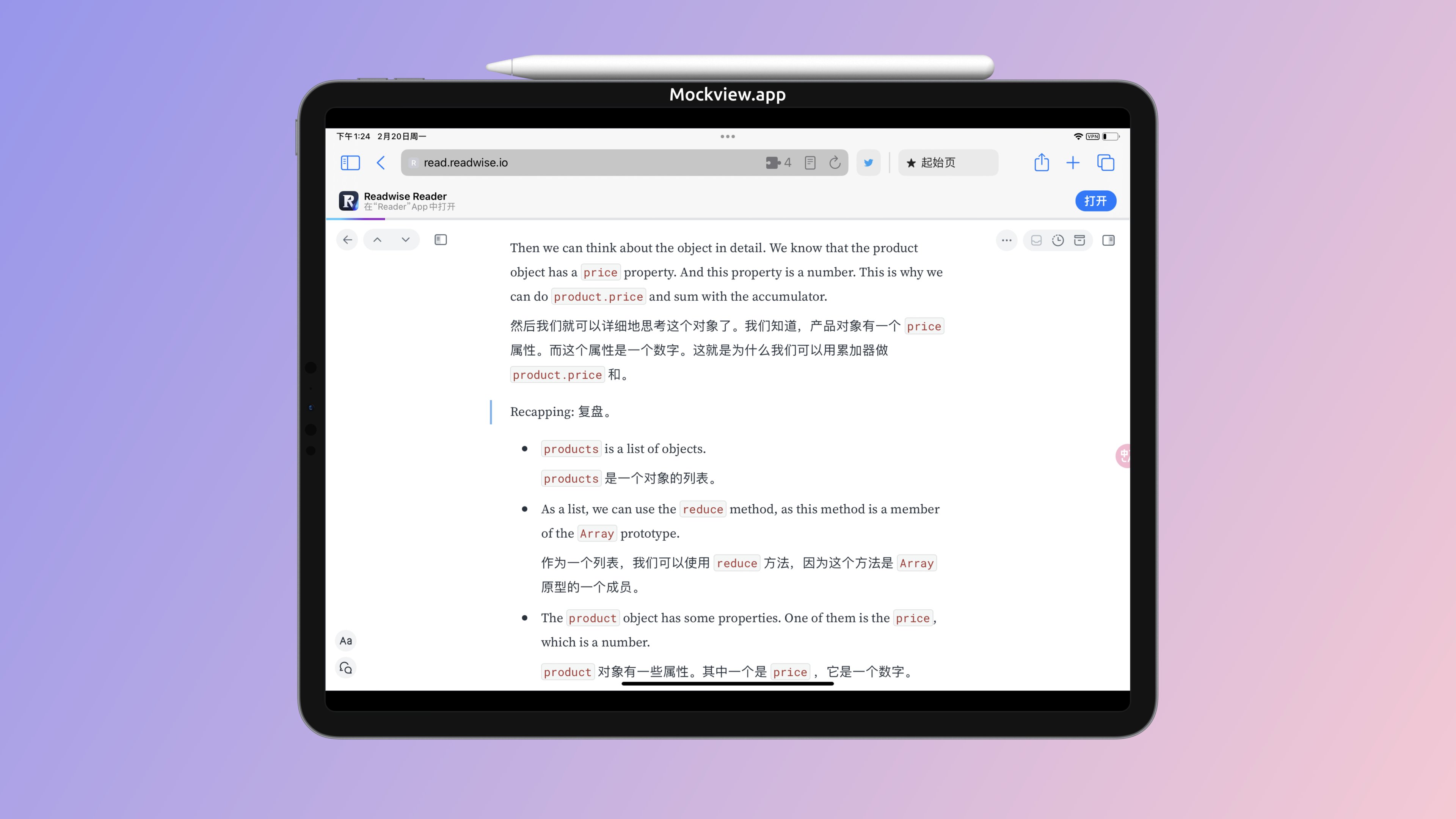
沉浸式翻译 在 Safari 中对照翻译
Immersive Translate - Next-Gen AI Translator | Bilingual Website Translation, PDF, Video Subtitle, Manga & Image Translation | Immersive Translate"Immersive Translate" provides next-generation AI translation services, integrating over 20 top-tier AI translation engines worldwide, such as OpenAI (ChatGPT), DeepL, Deepseek, and Gemini. It empowers you to break down language barriers and achieve a more accurate and fluent translation experience in various scenarios. This includes bilingual website translation, translation of various document formats, academic paper and PDF translation, online video subtitle translation for YouTube/Netflix, EPUB e-book translation, cross-language meeting translation for Zoom/Google Meet/Microsoft Teams, as well as manga and image translation. It supports major browsers like Chrome, Edge, Firefox, and Safari, and is available for installation on both mobile and desktop devices. It supports mutual translation of hundreds of languages including Chinese, English, Japanese, Korean, French, German, Russian, Spanish, Portuguese, Vietnamese, Indonesian, Italian, Dutch, Thai, and more.immersive-translate.owenyoung.com
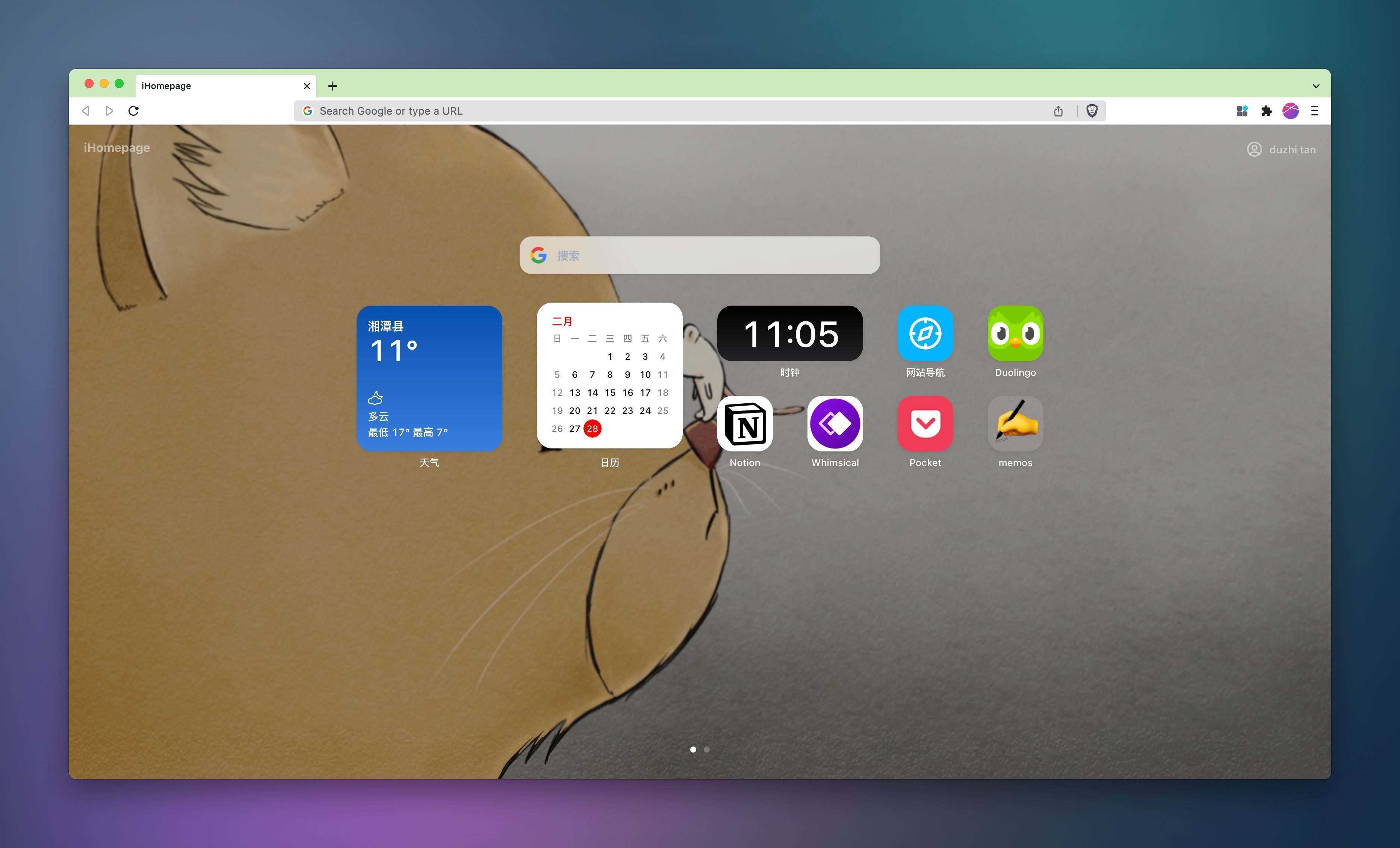
iHomepage
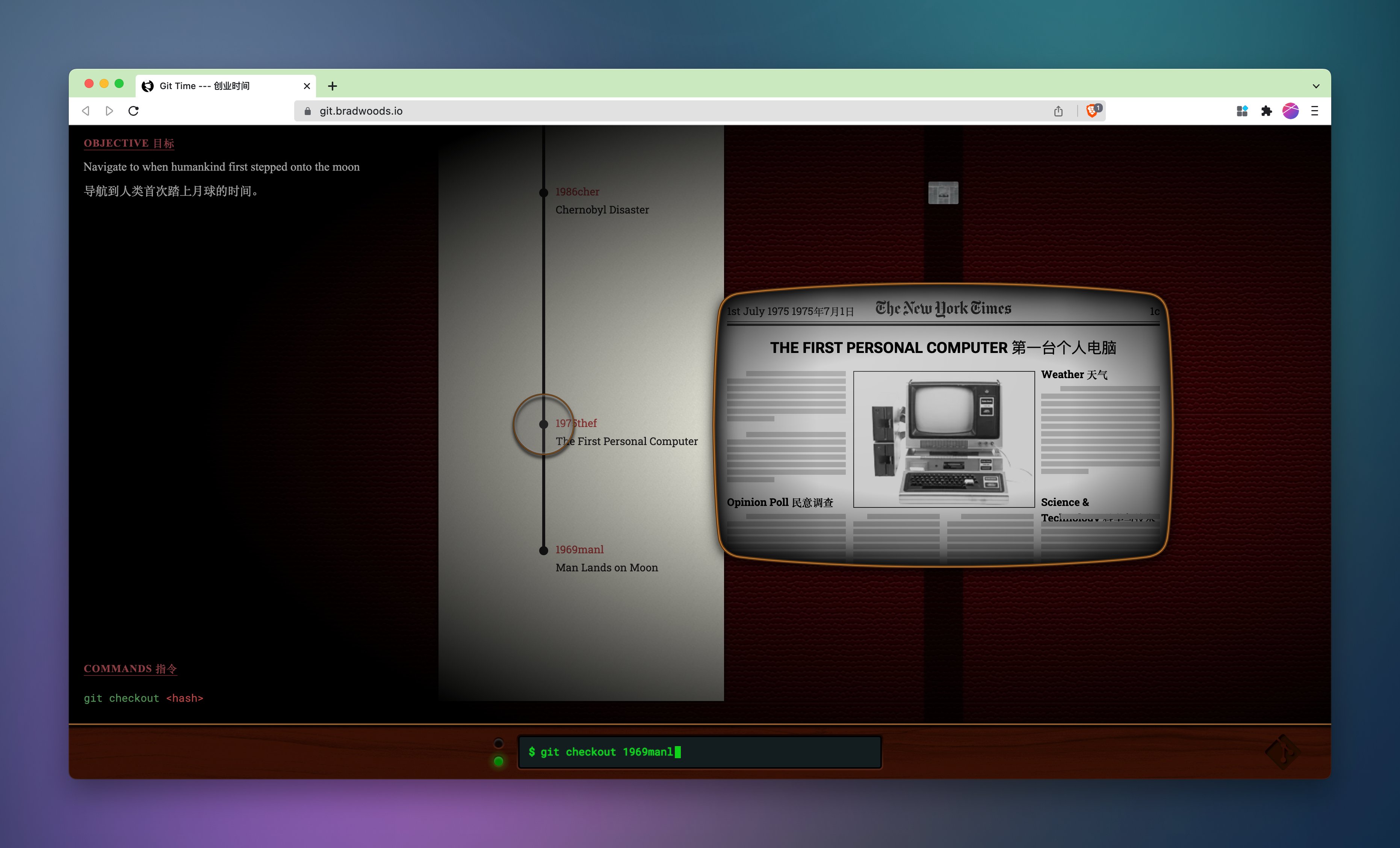
iHomepageCustomize your browser's homepage. Make it simple, intuitive, and beautiful.ihomepage.com.cnGit Time 交互式学习 Git 基本命令
Git TimeA game that introduces the version control system Git.git.bradwoods.io
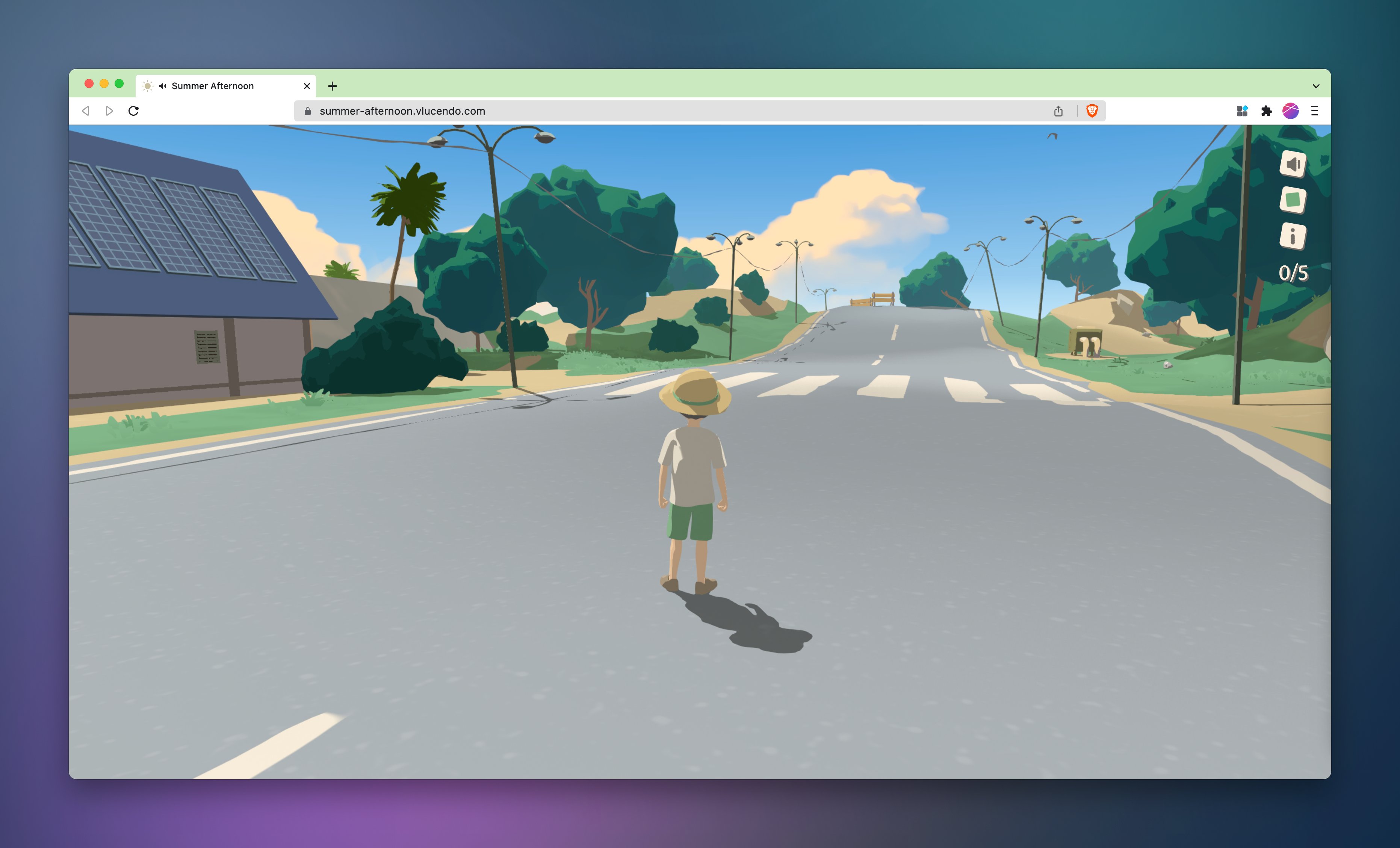
Summer Afternoon
Summer AfternoonA WebGL experiment by Vicente Lucendo.summer-afternoon.vlucendo.com
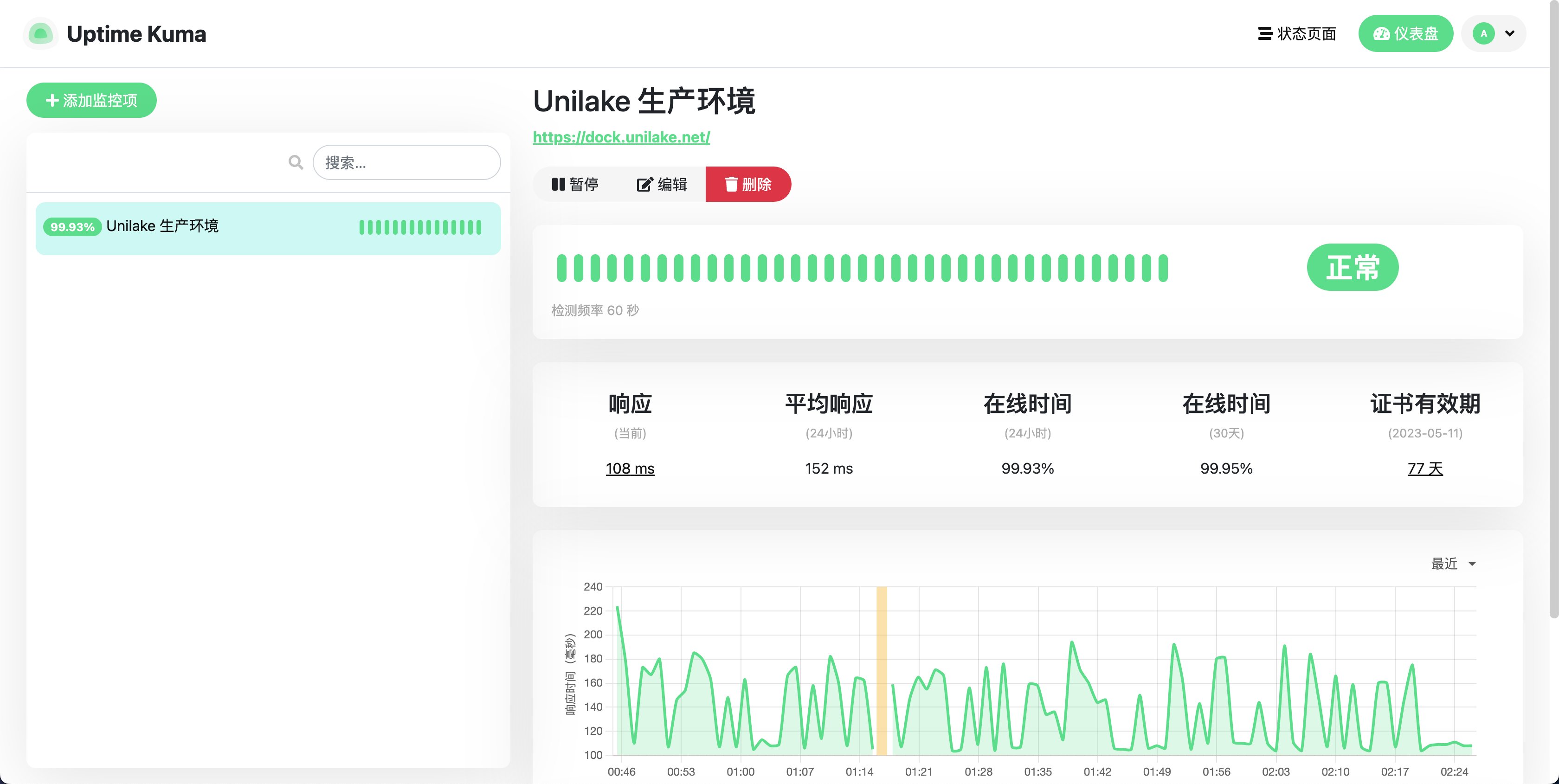
Self-Host 监控工具 Uptime Kuma
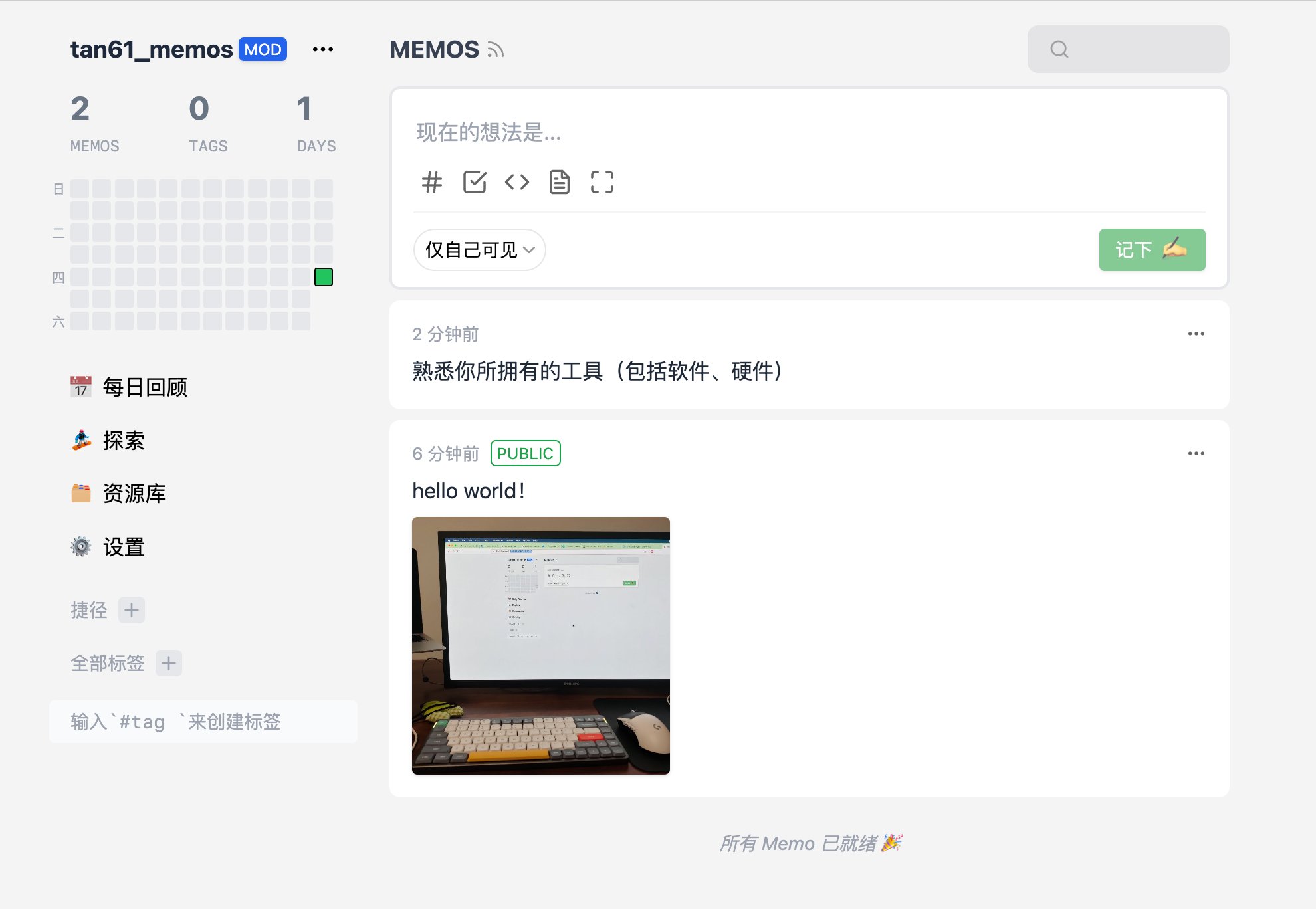
https://github.com/louislam/uptime-kumagithub.comSelf-Host 一个 memos(Flomo 的开源替代品)
Memos - Simple note-taking for your everyday thoughts.Memos is an open-source, self-hosted note-taking app that brings your everyday thoughts together in a personal timeline. Your data stays yours, and you choose what to keep private or share.usememos.com
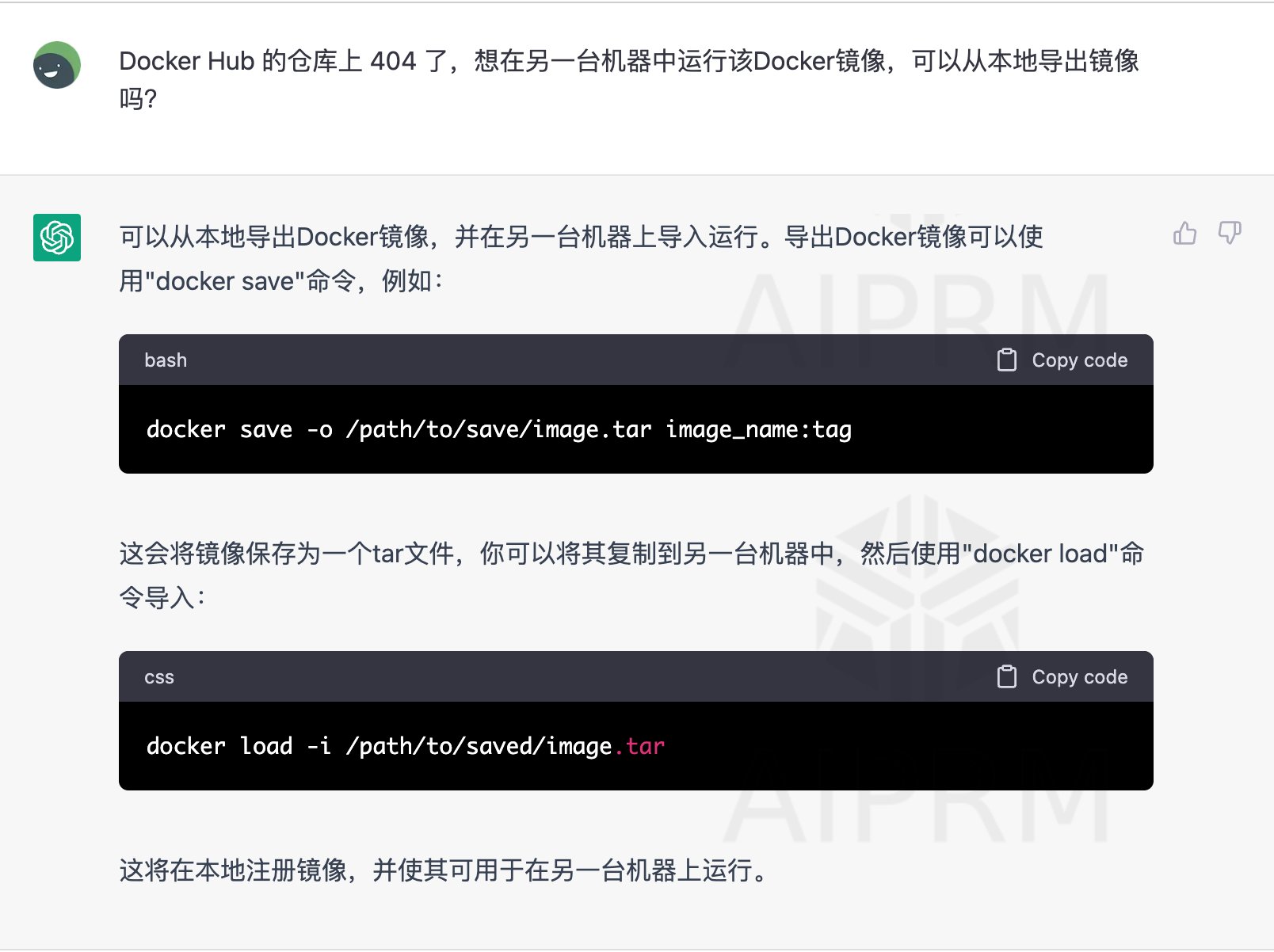
更多地使用 ChatGPT ChatGPT 刚出来那阵子只是抱着玩票心态用用,慢慢看大家的使用分享,也跟着学怎么让 AI 更好地辅助工作。之前不会用 Docker 的我,想查 Docker 镜像的导入/导出操作,关键词不是很清楚,在 Google 上查大概花了 10 分钟才找到准确信息;用 ChatGPT 就省力多了。
RescueTime Premium 订阅到期后,开始思考“时间记录”的意义和价值 时间是最宝贵的资源之一,有效管理时间对提高生产力和实现目标很关键。RescueTime Premium 能帮你了解自己的时间分配、识别可能的浪费,但时间追踪也可能变成负担——过度关注每一分钟反而会带来焦虑,削弱它本来的好处。需要在追踪和真正利用时间之间找平衡。 (这段是试着让 Notion AI 帮我写的,我只写了个标题)