Vue.js DevTool Open in Editor 在 Vue.js DevTool 中直接在编辑器打开组件源码的功能很方便,但之前一直都是默认在 Sublime 中打开。发现文档中有说明如果指定使用某个具体的编辑器打开,添加一个环境变量即可: export LAUNCH_EDITOR=code 参考:https://github.com/yyx990803/launch-editor#to-force-a-specific-supported-editor
https://devtools.vuejs.org/guide/open-in-editor.htmldevtools.vuejs.org购买域名 tan61.dev 还是在 https://www.namesilo.com/ 上面购买,重点关注的是续费价格。之前购买的域名都是首年很便宜续费价格很贵,还是希望有一个稳定的域名持续使用。 另外,在 Cloudflare 中迁移域名 DNS 配置时也顺便梳理一下和域名相关的服务: - 个人网站 - iCloud 自定义域名邮箱(hi@tan61.dev) - Wakapi - Alist - PocketBase - Miniflux - Umami - Dub.sh
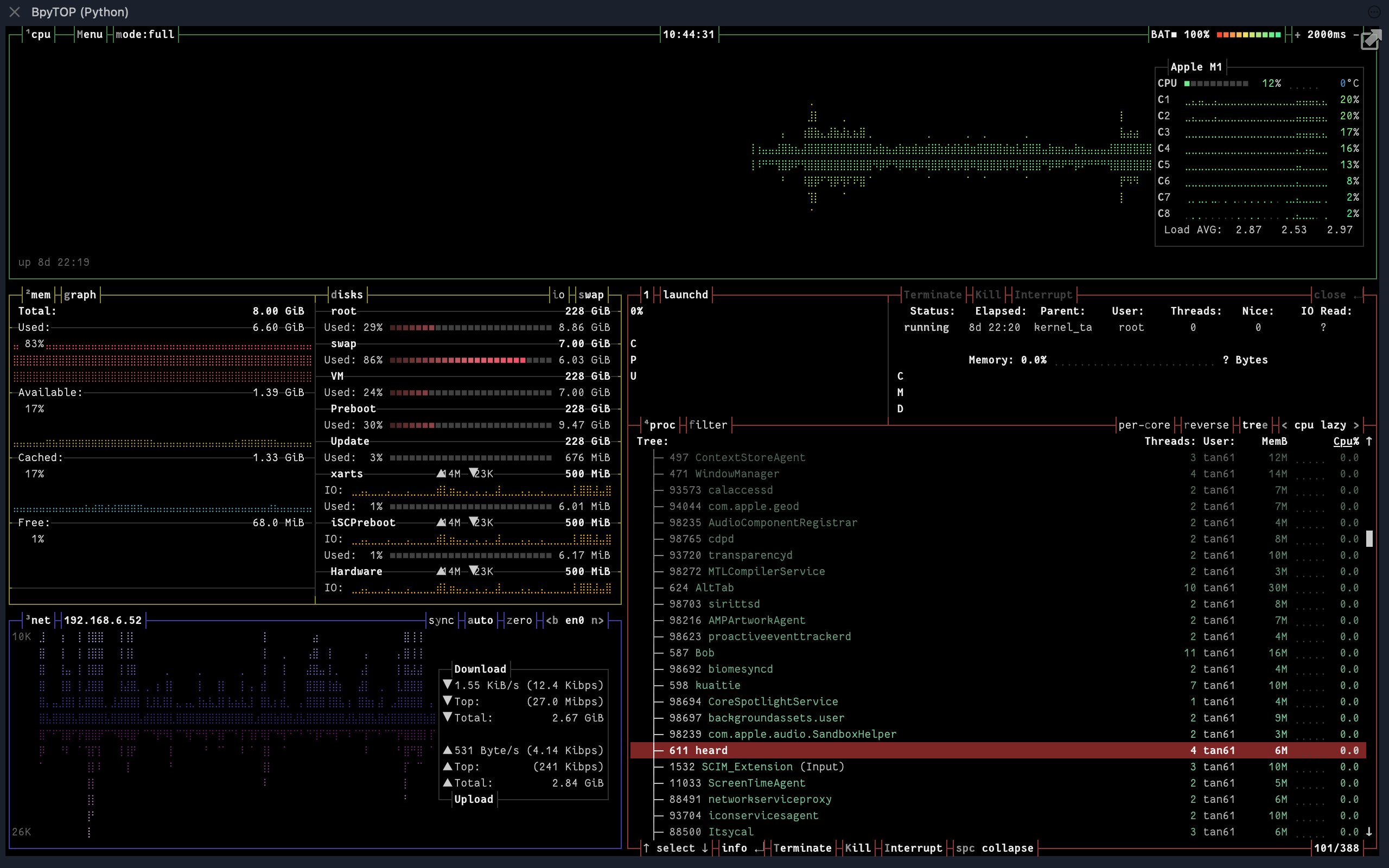
Bpytop 喜欢进程查看的树形结构
Realistic CSS Glass Backdrop 在元素没有进入毛玻璃前就有光反射到玻璃上,更接近真实世界的效果 -webkit-mask-image: linear-gradient(to bottom, black 0, black var(--cutoff), transparent var(--cutoff)); 深入文章:https://www.joshwcomeau.com/css/backdrop-filter/?from=newsletter#thicker-glass-5
https://codepen.io/code661/embed/vYvvYZw?default-tab=resultcodepen.ioUnPlay 用 DLAN 协议给 Apple TV 投屏 偶尔想把抖音、B站的视频放到电视上看,本来想购买 DLPlay(https://www.appinn.com/dlplay-for-apple-tv/)但无法正常使用,就申请退款了。
UnPlay App - App StoreDownload UnPlay by Changzhou Yizhong Yijia Health Management Co., Ltd. on the App Store. See screenshots, ratings and reviews, user tips, and more apps like…apps.apple.com
Caddy 反向代理的使用 把本地开发服务器变成 HTTPS caddy reverse-proxy --to localhost:8000 --from my-project.localhost
Wes Bos (@wesbos) on X@schickling @caddyserver caddy reverse-proxy --to localhost:80 --from my-project.localhost You can also put this config in a caddyfilex.com
Photoshop 教程《最简单的魔法》 几年前在淘宝教育平台买过的 PS 教程一直都没去看,周末无聊就跟着学习一下。
数据可视化 给电网干外包,大屏可视化项目中图表是页面上最主要的元素。这一周重度使用 Echarts 过程中大量翻阅它的配置项手册,有一些使用的感受。 - 优点是繁重的工作都被屏蔽掉,只需简单地把配置项按文档中的说明传过去,然后一切都像魔法一般 🪄duang 的一下图表就绘制好了 - 缺点是使用者能做出来的效果仅是 Echarts 所提供实现的子集,它不提供的功能完全没有办法(不过好在 Echarts 使用者众多,这么多年积累出的用户需求也足够覆盖大部分使用情况) - 另一缺点就像 Vue2 的选项式 API 一样,很难通过组合的方式来组织代码,而 Vue3 推出的组合式 API 就很好地解决了这个问题,把同一个功能的代码放到一起,更有利于维护和阅读。 - 在 React 社区中有一个 Airbnb 开源的叫 visx 的库,翻阅它的文档感觉它就很适合定制化需求很高的可视化场景,底层使用 D3.js - 如果把画图表这件事比做画画,Echarts 就是有很多现成的素材拿过来改吧改吧就变成自己的、visx 就像有一些基础的图形我们拿过来调整再组合、D3.js 就像手里只有一根画笔
又开始玩世界迷雾 记录我上班的路

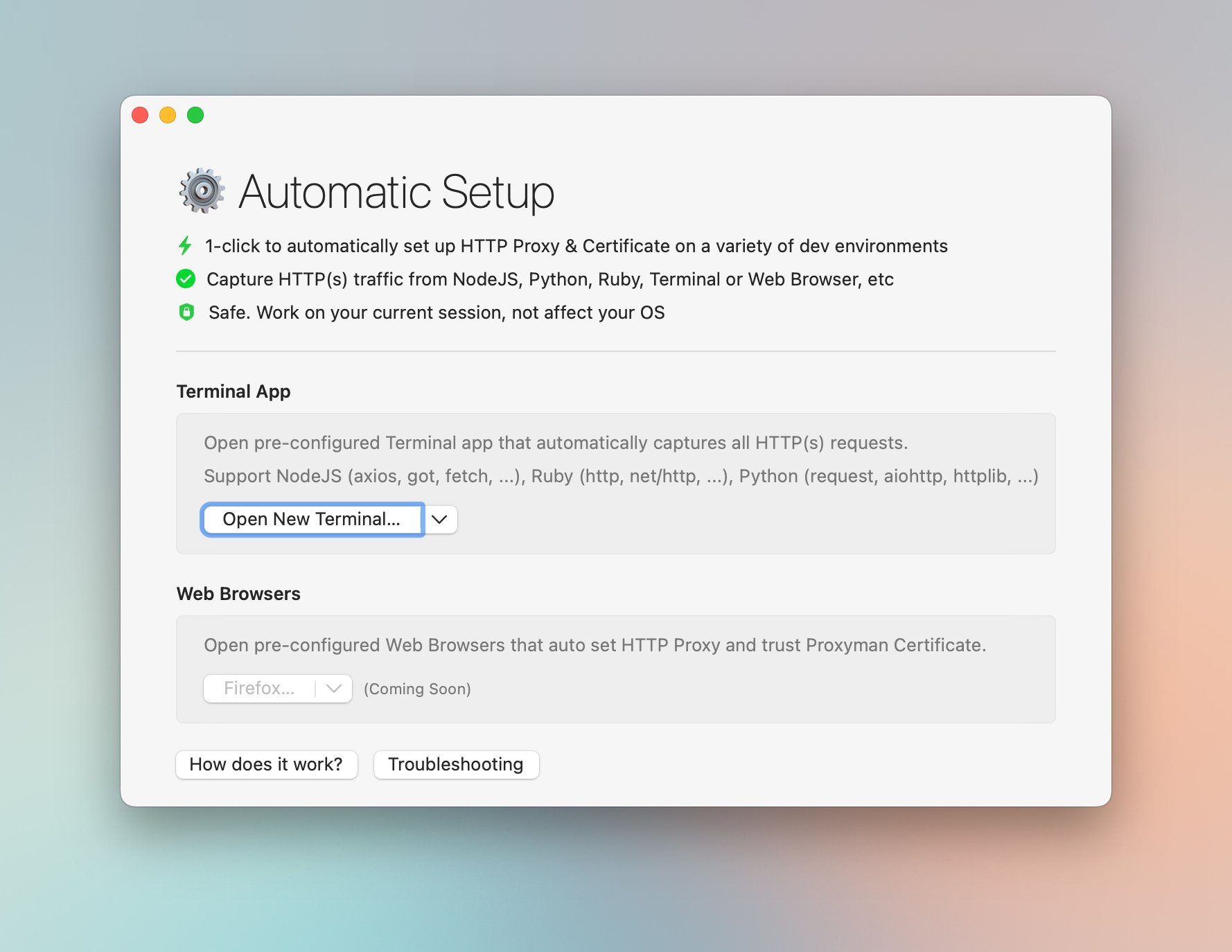
ProxyMan 成为工作流中的一员 抓包体验很优秀,Map Local、Map Remote、脚本等功能在调试 API 时都很实用。还有很多贴心的小功能,比如 Automatic Setup 就能实现一键抓取终端应用,比如 Node.js、Python 中发出的网络请求。 抓包 localhost 的请求
Apple TV 升级 tvOS 17 后化身软路由 今天加班到家后第一件事就是更新 tvOS,装上 Surge 后就成为一台旁路由,即便是休眠的时候也能为其他设备提供翻墙网络。Apple TV 应该要涨价了吧📈,另外有几个印象深刻的功能: - Apple TV 使用 iPhone 的摄像头打 FaceTime 视频通话 - 用 iPhone 寻找 Apple TV 遥控器
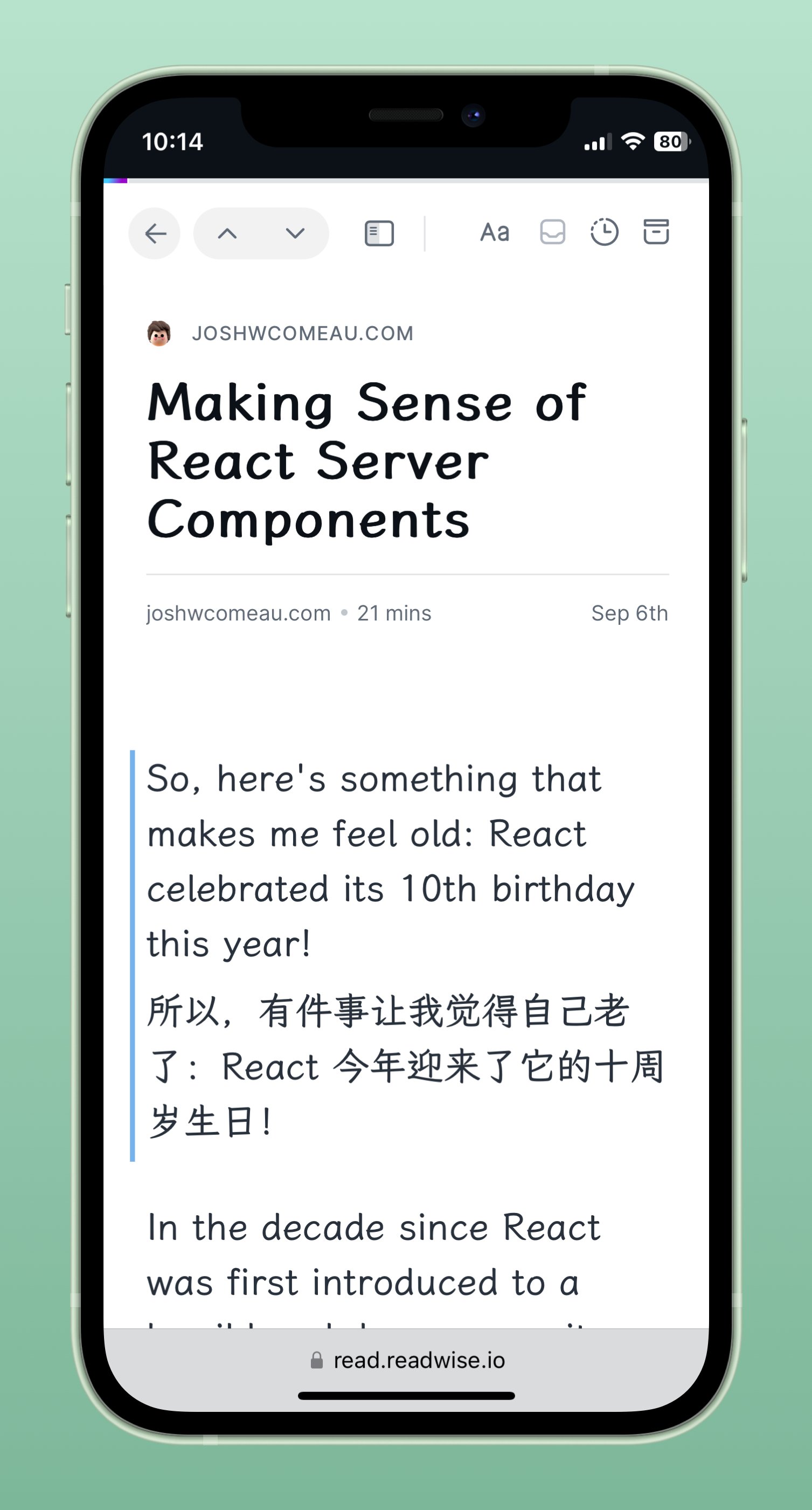
用 Userscripts 给 Readwise Reader 换字体 Readwise Reader 的 iOS 版本很好用,但读一些英文文章和书籍需要用 Safari 浏览器的沉浸式翻译插件。在 Web 版本的 Readwise Reader 用 Userscripts 把字体换成喜欢的霞鹜文楷,另外再微调一些样式细节

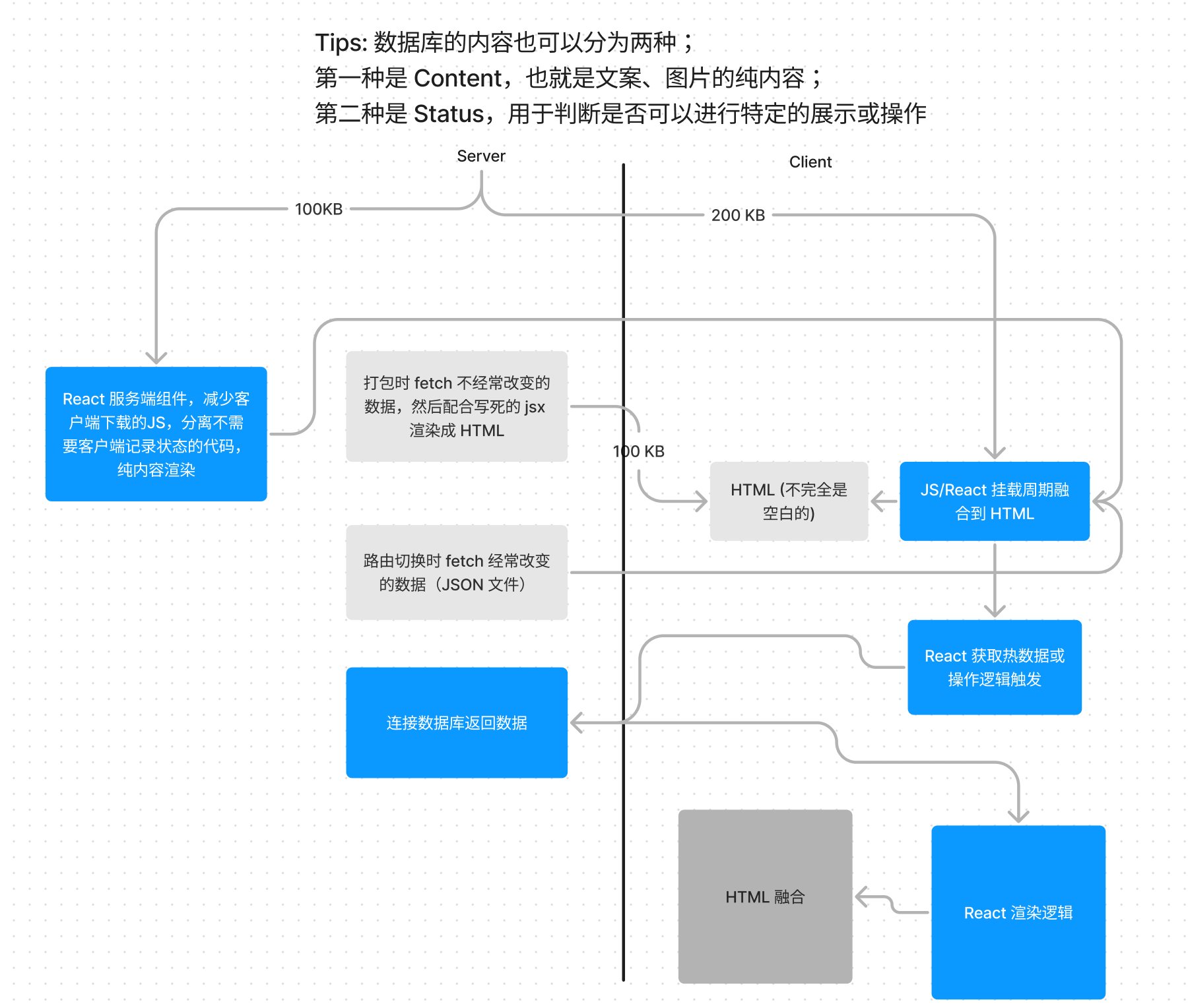
理解一下 Next.js 和 Server Component 看了一下 Josh 的这篇文章,感觉自己又行了 🤣,简单画了一个草图方便自己理清逻辑

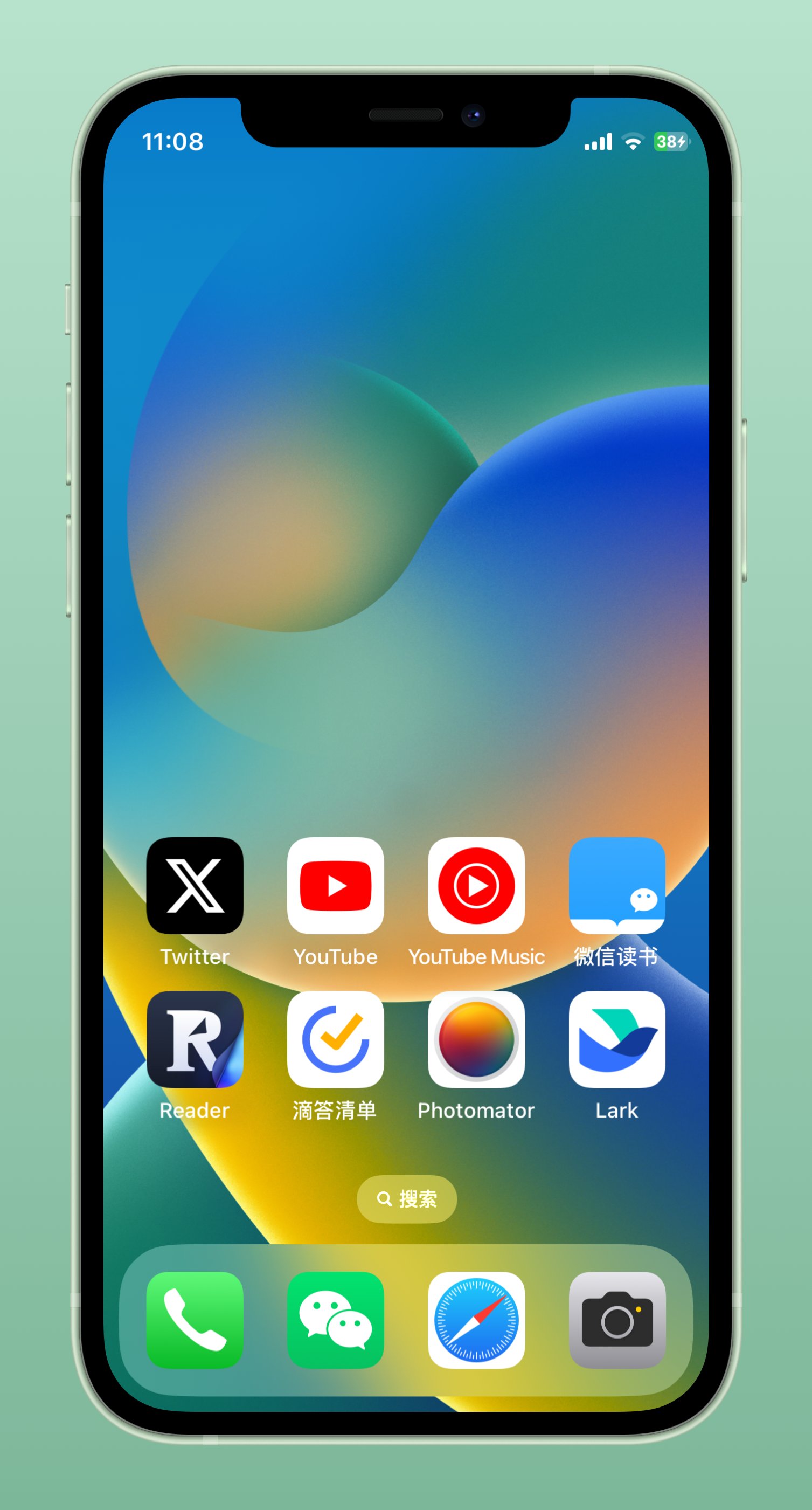
又用回 iPhone 12 mini 就桌面这几个常用的应用养老,没用 iOS 的这一年多对 iOS 几个印象深刻的变化: - 第三方小组件越来越丰富了,新加的锁屏小组件也比较实用 - 从勿扰模式演进到更为可定制化的专注模式 - Stash 能平替 Surge 了 - Safari 支持拓展插件
SVG Pattern 上面两种网格效果都是用 SVG 的 Pattern 特性完成



域名又要续费了 收到 NameSilo 的邮件提醒 tan61.life 域名要续费了,当初购买的时候才 $2 美刀。这次续费得花 $26.99 美元 🤑,在这个消费降级的年代真是一笔巨大的订阅开销呀!
使用 Tailwind CSS 实现流星划过的效果 在 Meteors | Magic UI 看到的这个效果,打开开发者工具分析了一下实现原理后,把效果在 Tailwind CSS Playground 中实现了一遍
Tailwind PlayAn advanced online playground for Tailwind CSS that lets you use all of Tailwind's build-time features directly in the browser.play.tailwindcss.com
订阅 Mobbin 之前看到 61 在一条 Tweet 中赞叹到 Mobbin 对学习产品设计超有用。看到 DEX 群里有拼车,也尝试性的订阅一年看看
Mobbin — UI & UX design inspiration for mobile & web appsSave hours of UI & UX research with our library of over 600,000 fully searchable mobile & web app screenshots.mobbin.com
React 开发者路线图的另一种用法 晚上在研究为什么 react-hot-toast 不用 redux 也能全局触发的原因,看完源码后做了一个简单的 Demo。结束研究之后想到如果不用 useContext 和 redux 的话,社区还有没有其他更推荐使用的 Library,哈哈 🤣 脑里突然之间就想到了 React Developer Roadmap 这个路线图,查了一下发现上面比较推荐使用 zustand(之前就 Star 过,但一直没用起来 🤣)
React Developer Roadmap: Learn to become a React developerEverything that is there to learn about React and the ecosystem in 2026.roadmap.sh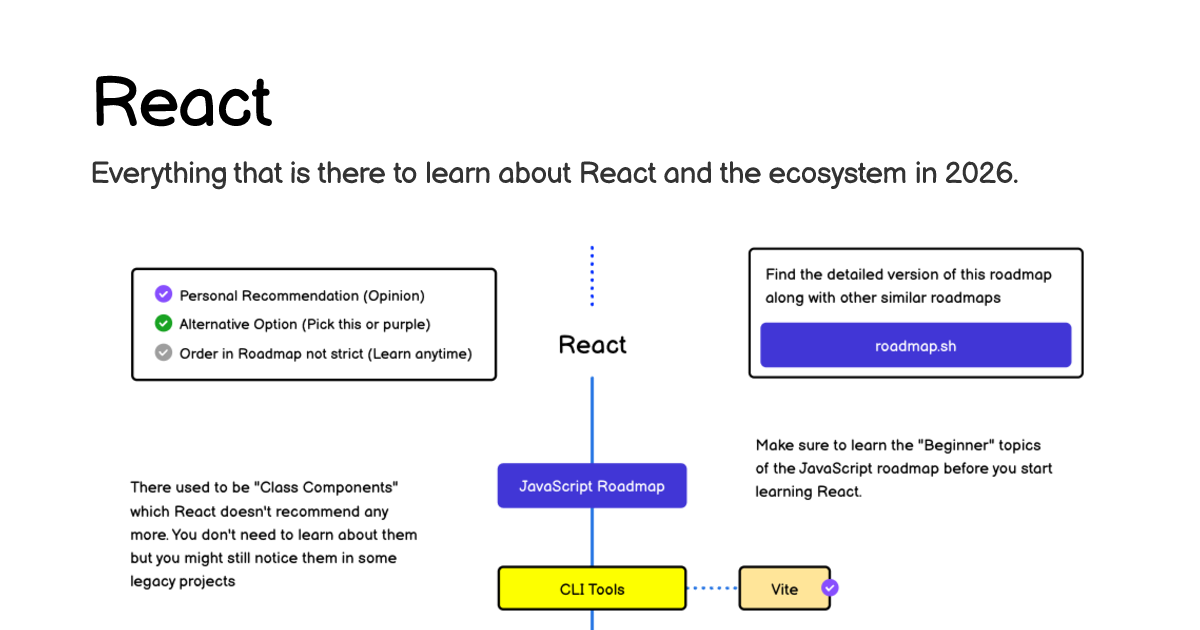
学习 Vim 的“录制宏”(Macros) Vim 的录制宏是一个非常强大的功能,当我们需要对一些重复的操作进行批量处理的时候,可以使用宏来完成 —— 重学 Vim - forecho's Blog
重学 Vim - forecho's Blog引言 2013 年的时候我才开始接触 Vim,简单学了一下,也没用起来,后来只记得普通模式以及怎么进入插入模式,然后就是保存退出这几个命令了。 直到最近买了一个 HHKB 键盘以及发现使用 Vim 编码效率要高很多,所以我决定重拾 Vim,为了加强自己的记忆,于是我就整理了这篇文章。blog.forecho.com